

Category
Power BI design techniques
Each article takes one effect from a real report and rebuilds it in Power BI Desktop: why the built-in visuals fall short, how the trick works, the DAX and the settings to reproduce it, and the traps we hit on the way. No custom visual, unless we say so.
13 articles
 Design techniques24 October 20269 min read
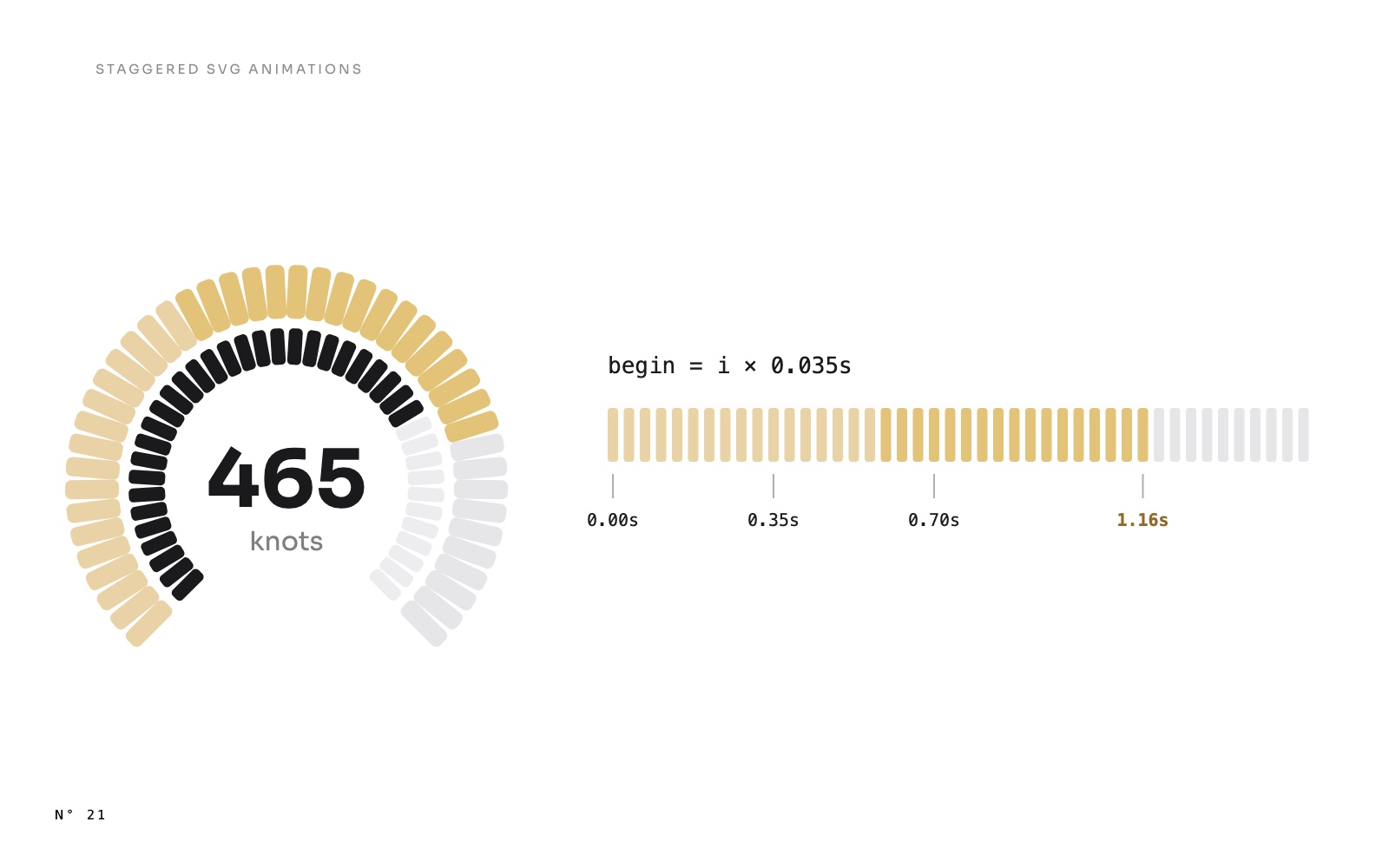
A gauge that fills segment by segment: staggered SVG animations in Power BI
Gauges that fill segment by segment, bars that rise one after another, lists that appear row by row: one DAX pattern gives each SVG element its own start time.AnimationSVG and DAX visuals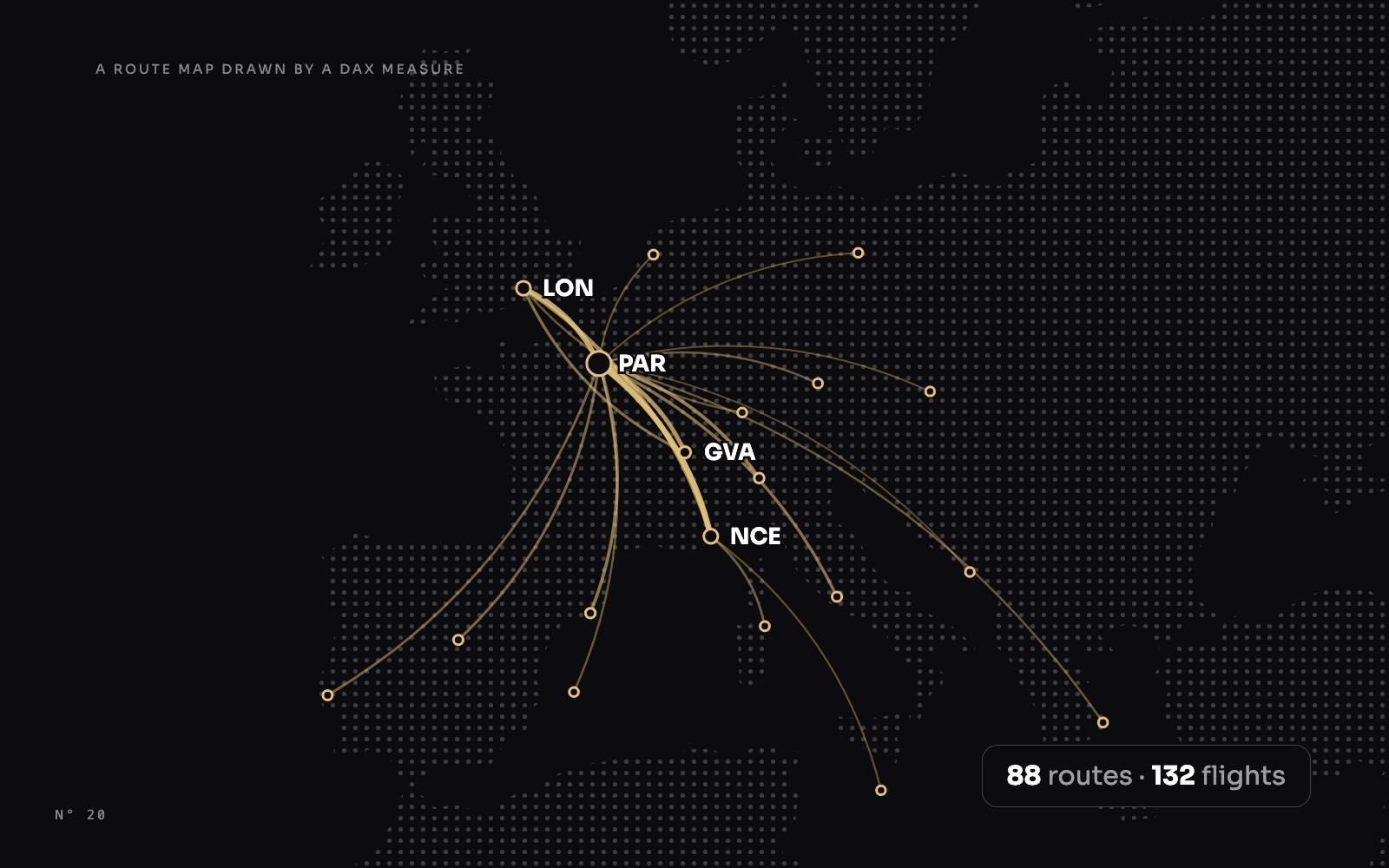 Design techniques24 October 202610 min read
A route map drawn by a DAX measure: arcs, airports and a map that frames itself
No map visual: one SVG measure projects airports, draws the period's routes as arcs weighted by traffic, labels the busiest without overlap and reframes itself.MapsSVG and DAX visuals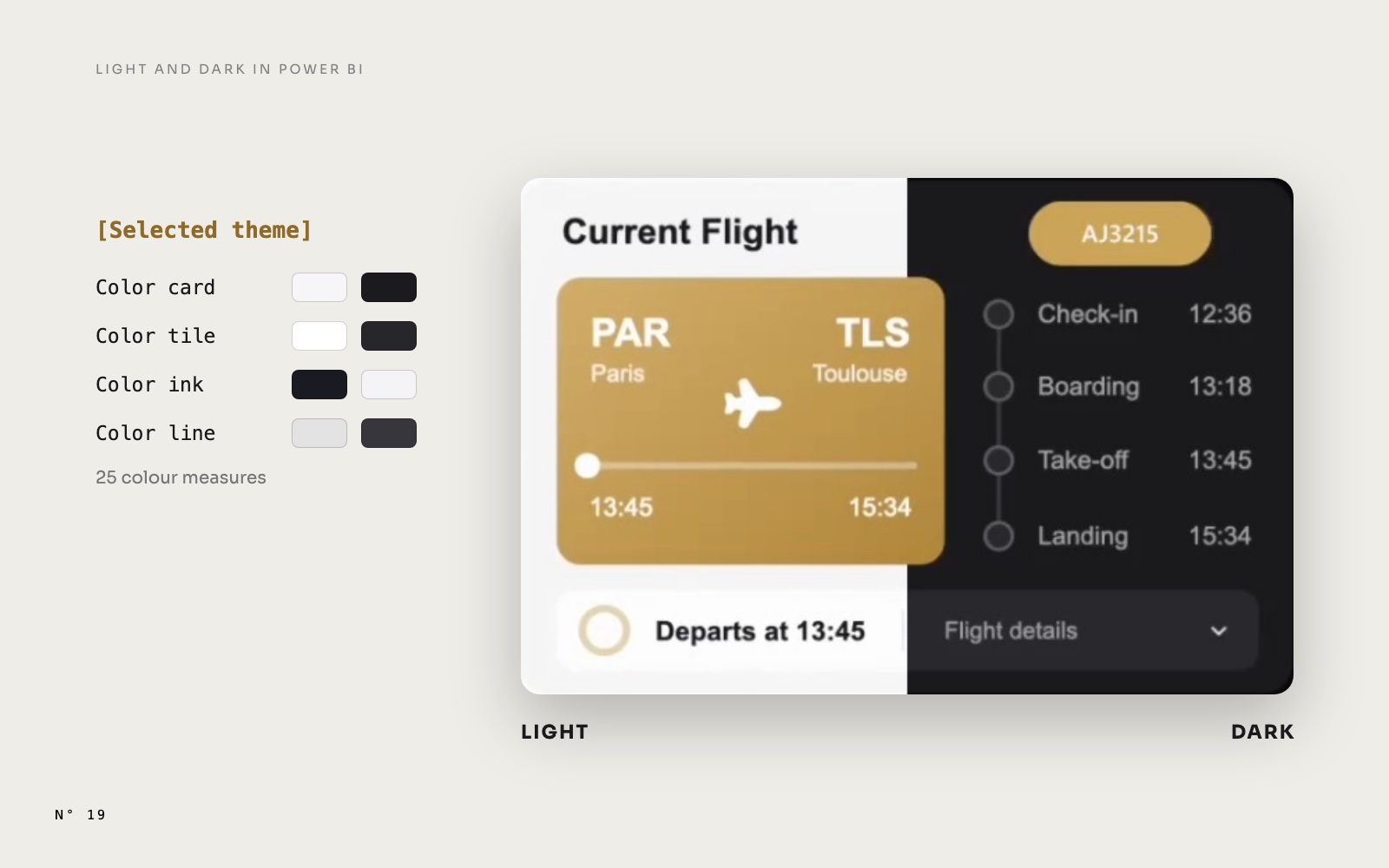 Design techniques24 October 202610 min read
Light and Dark mode in Power BI: what follows a measure, and what doesn't
A real Light and Dark switch with one slicer and colour measures, and the four things Power BI won't recolour from a measure, with the fix for each one.Page design and themingSlicers and navigation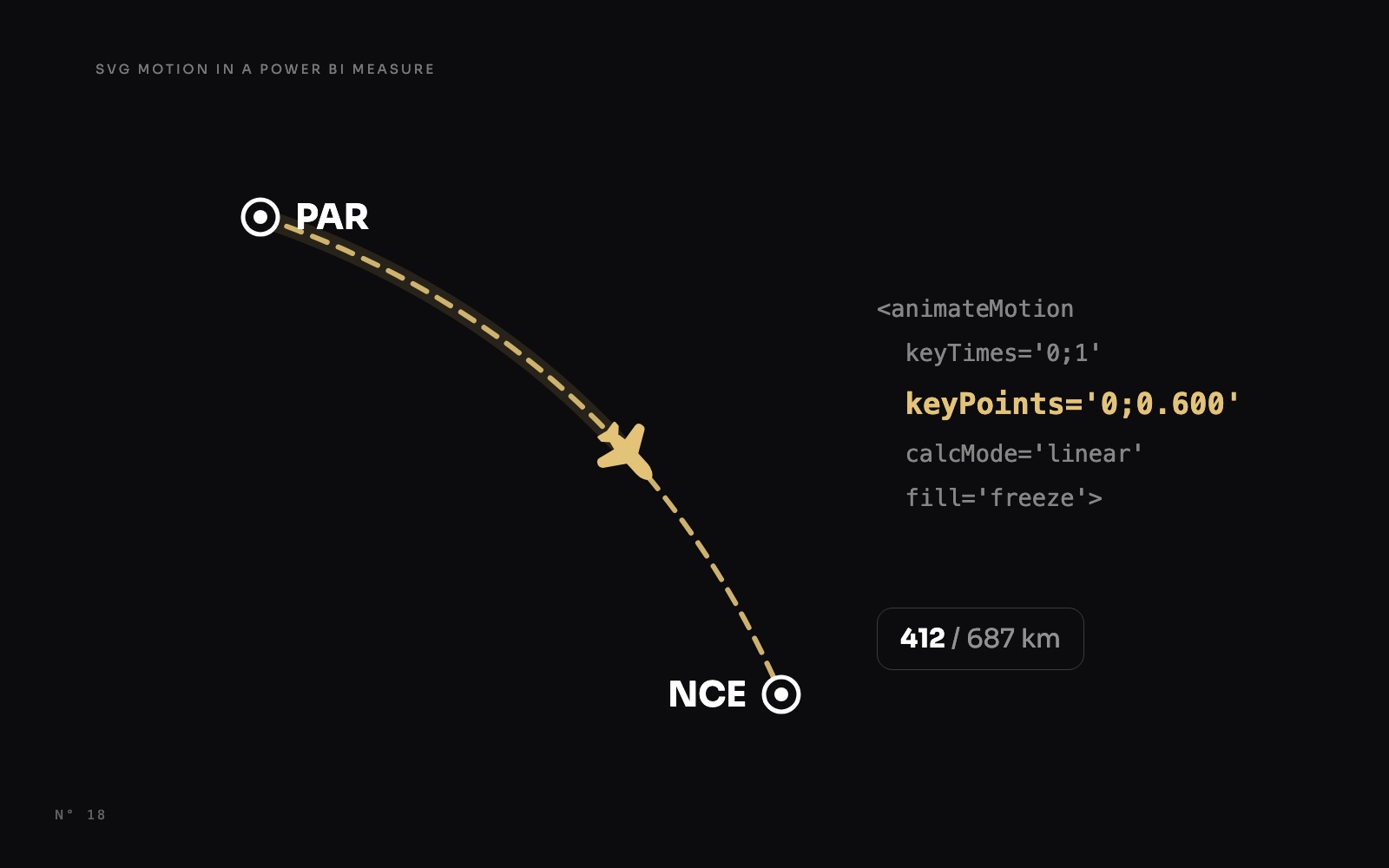 Design techniques24 October 20269 min read
The jet that stops where the flight is: SVG motion in a Power BI measure
Make a jet fly along its route and stop at the share of the flight already flown, with SVG animateMotion written by a DAX measure, in a native card.AnimationSVG and DAX visualsMaps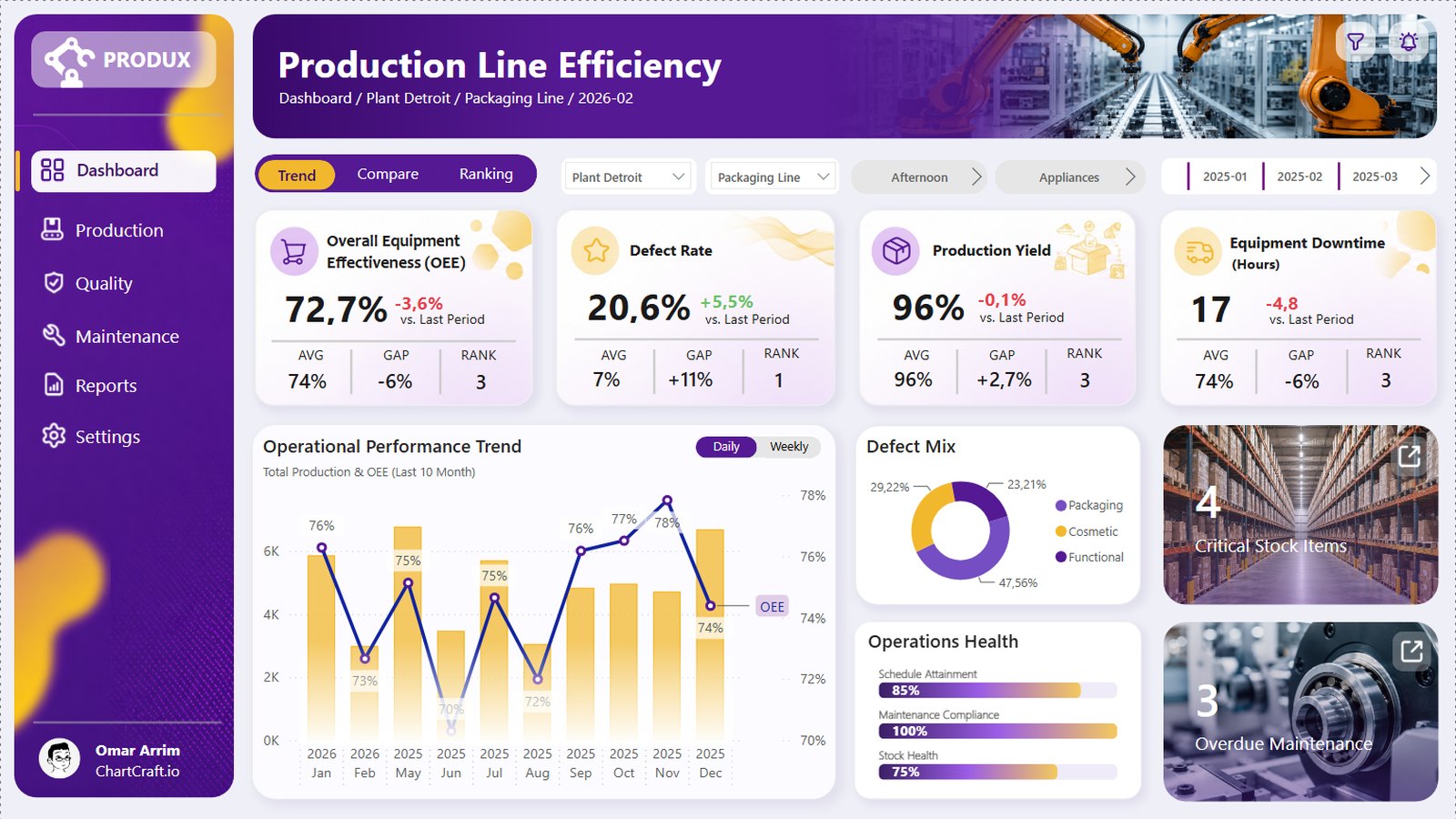 Design techniques22 October 20269 min read
A Power BI month picker for every KPI: the disconnected table
One month picker drives four KPI cards, their change on the previous month and a ten-month trend, without filtering the page. A disconnected table and three measures.Slicers and navigation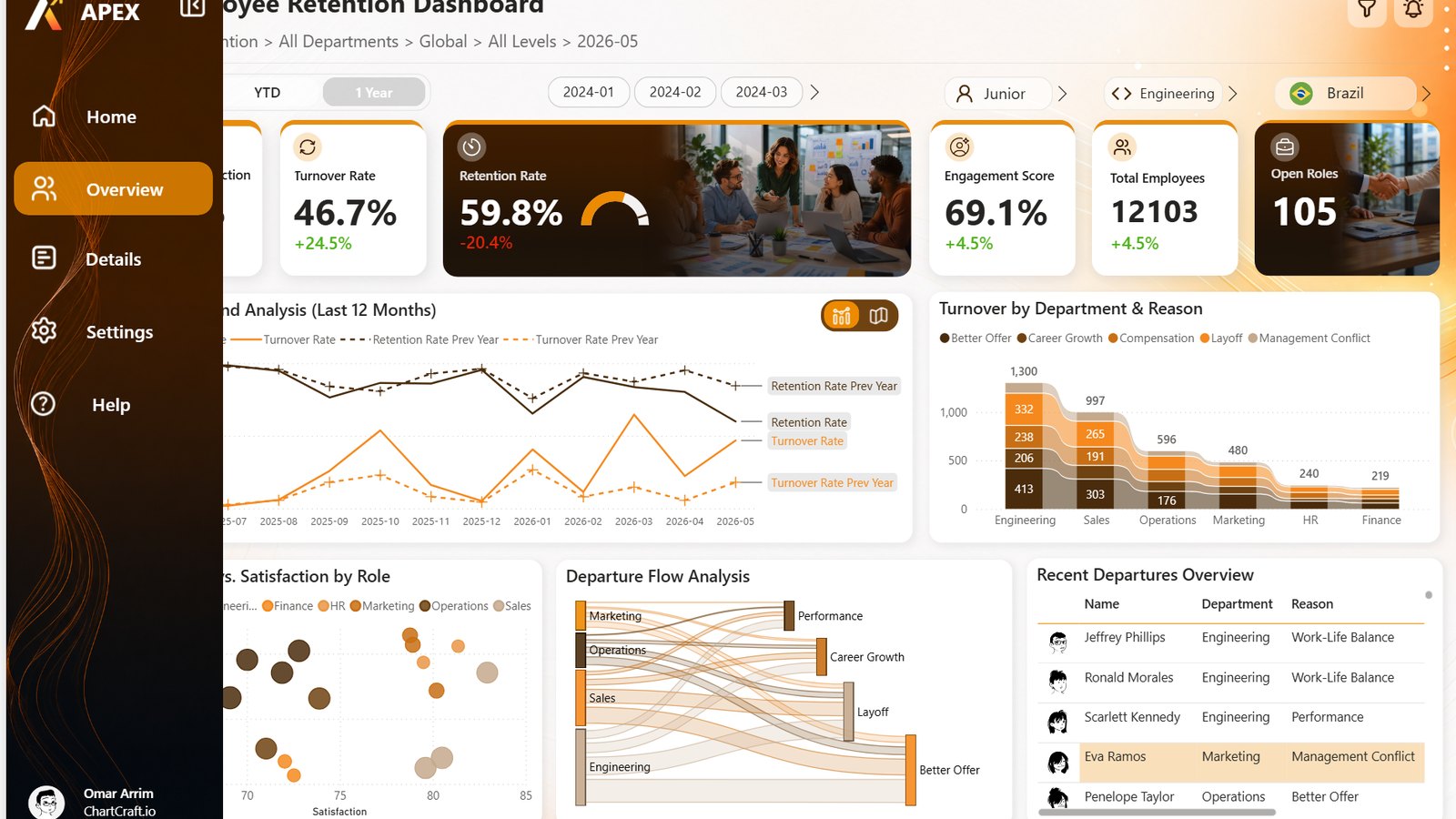 Design techniques22 October 20269 min read
A collapsible sidebar in Power BI: bookmarks that only touch a few visuals
A sidebar that opens and closes, a chart that turns into a map, and not one filter reset. Two bookmark settings, Selected visuals and Data off, do all of it.Slicers and navigation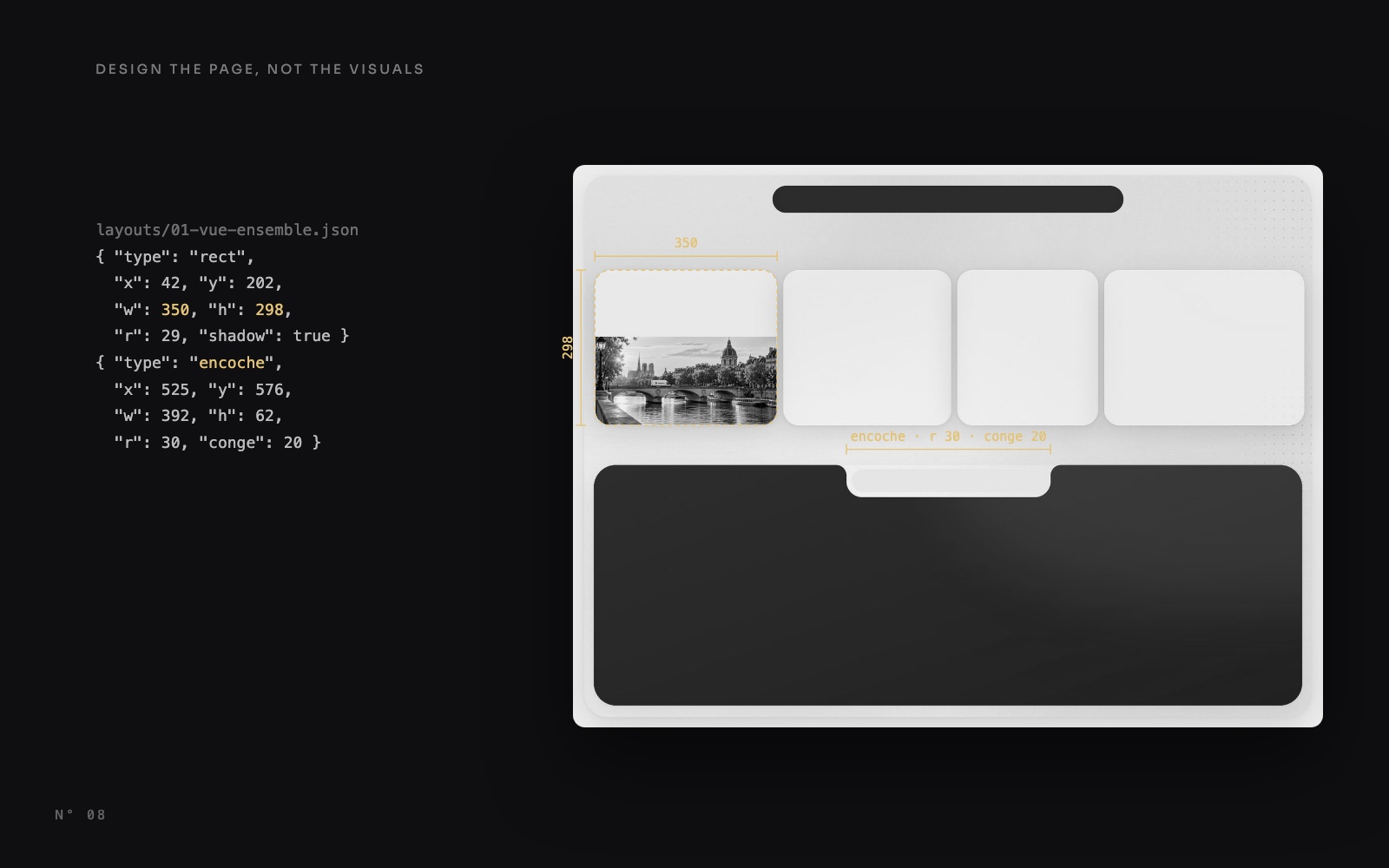 Design techniques14 October 20269 min read
Design the page, not the visuals: Power BI page backgrounds
Shadows, gradients, a notch and photos drawn into one 2x image under transparent visuals: how Colis Pro designs each Power BI page, with or without code.Page design and theming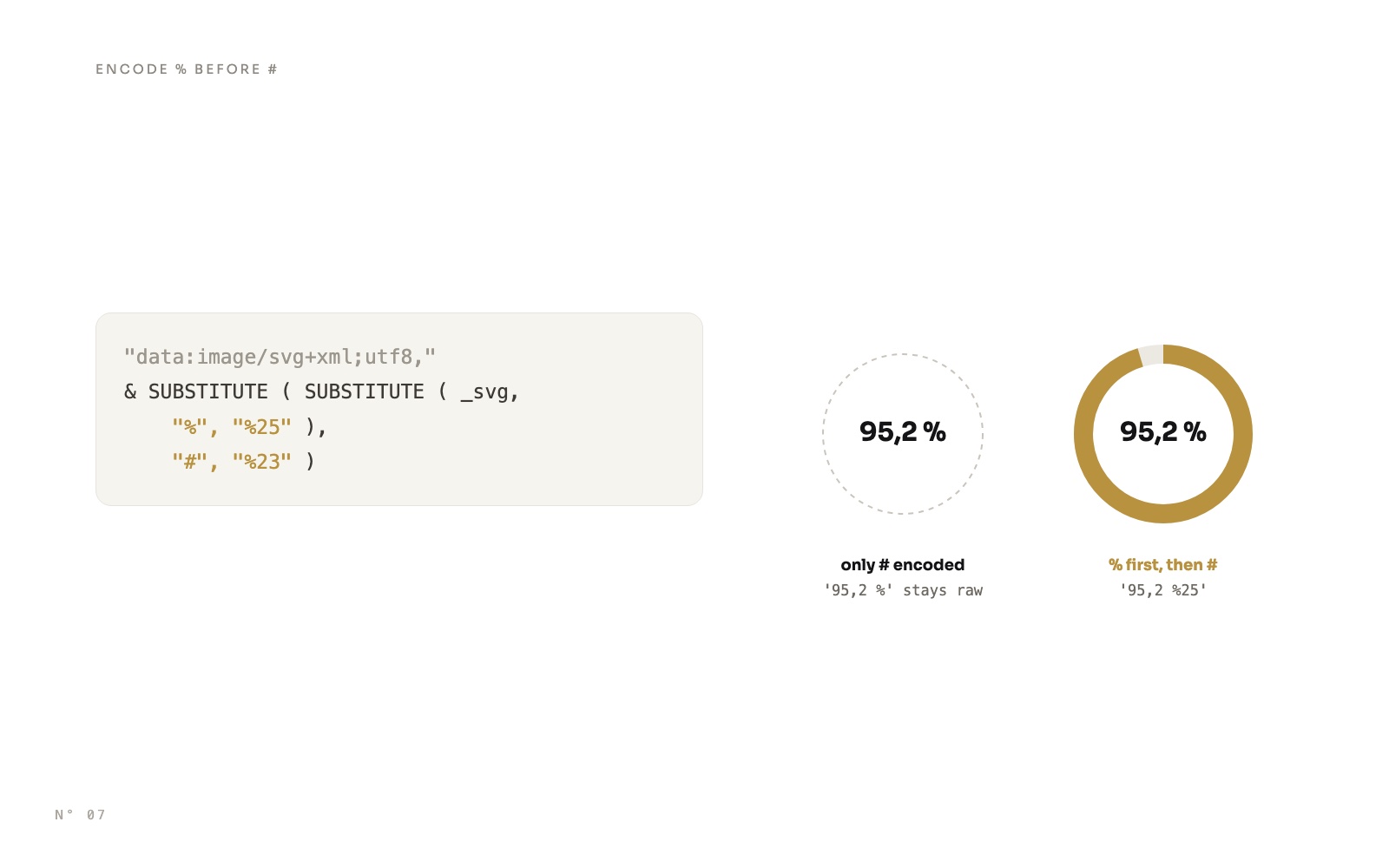 Design techniques14 October 20269 min read
SVG measures in Power BI cards: rings, pills and a timeline
Draw rings, status pills, gauges and a shipment timeline with DAX, as SVG in a card's image, and avoid the encoding trap that wipes out every colour.SVG and DAX visuals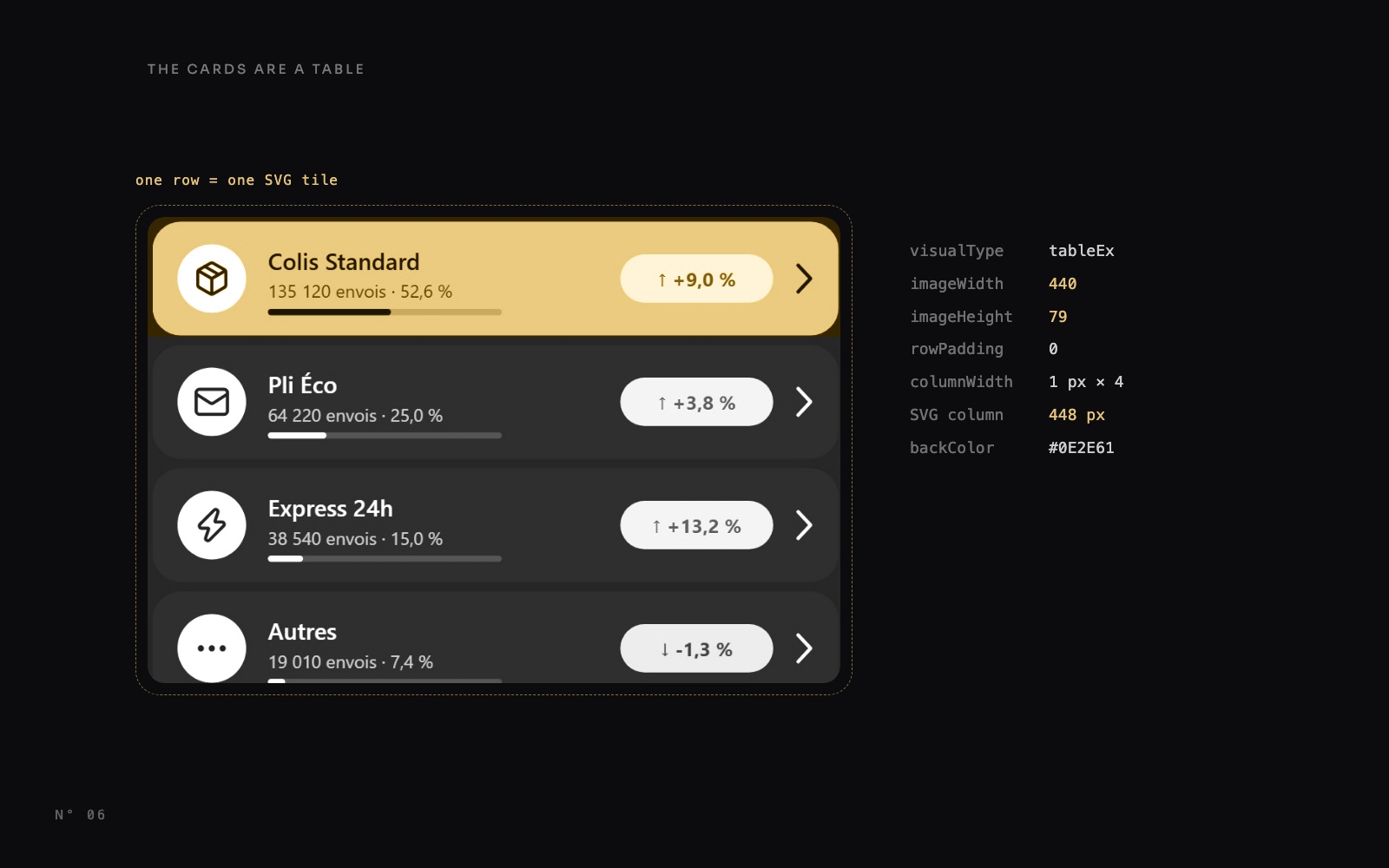 Design techniques14 October 20269 min read
Power BI table rows as cards: one SVG measure per row
A native table row can't have rounded corners or a highlight. One DAX measure draws an SVG tile per row, and the table shows only that image column.SVG and DAX visuals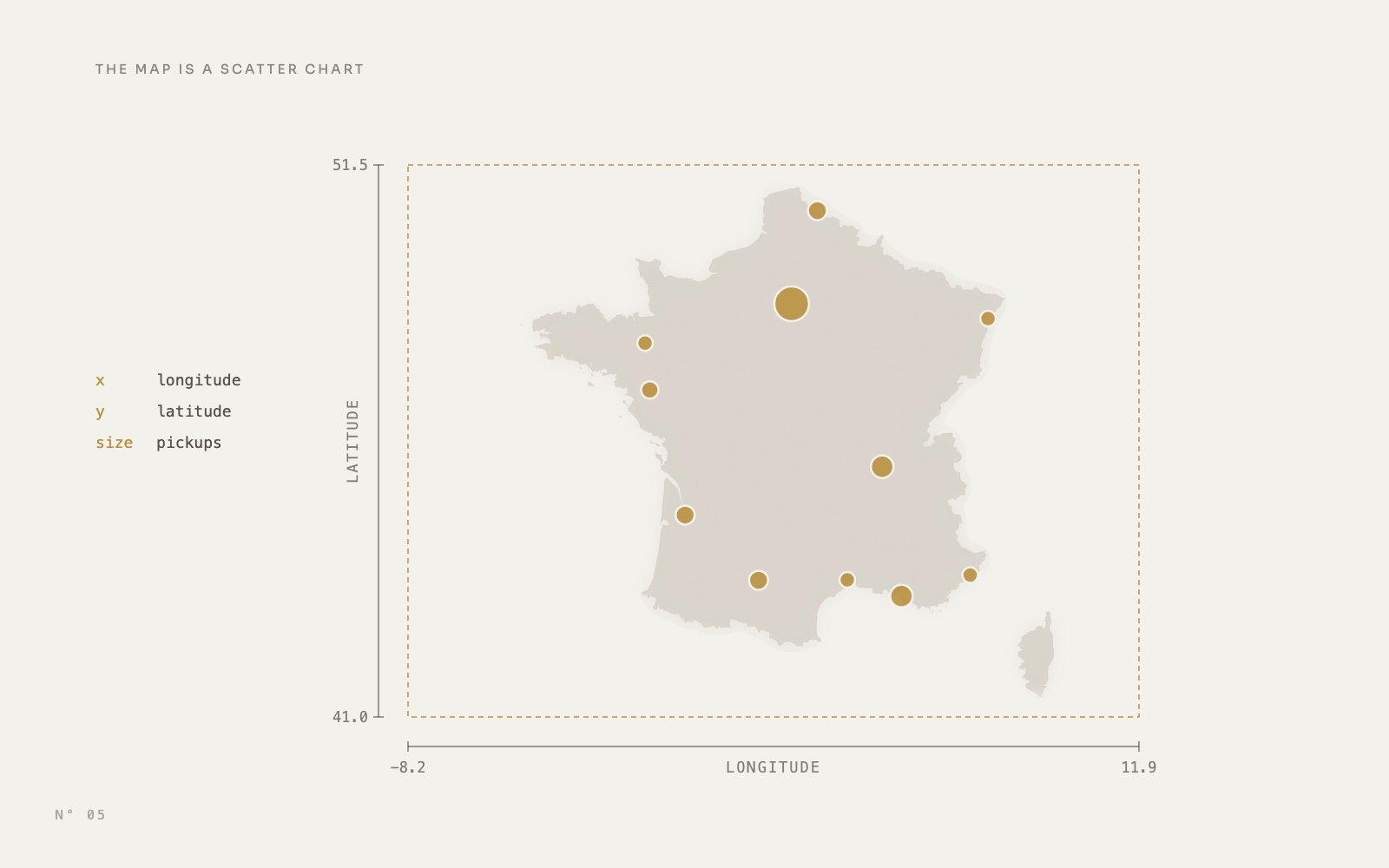 Design techniques14 October 20269 min read
A Power BI map without Azure Maps: a scatter chart over an image
Replace Azure Maps with a native scatter chart: longitude on X, latitude on Y, axes bounded to a map image set as the plot area background.Maps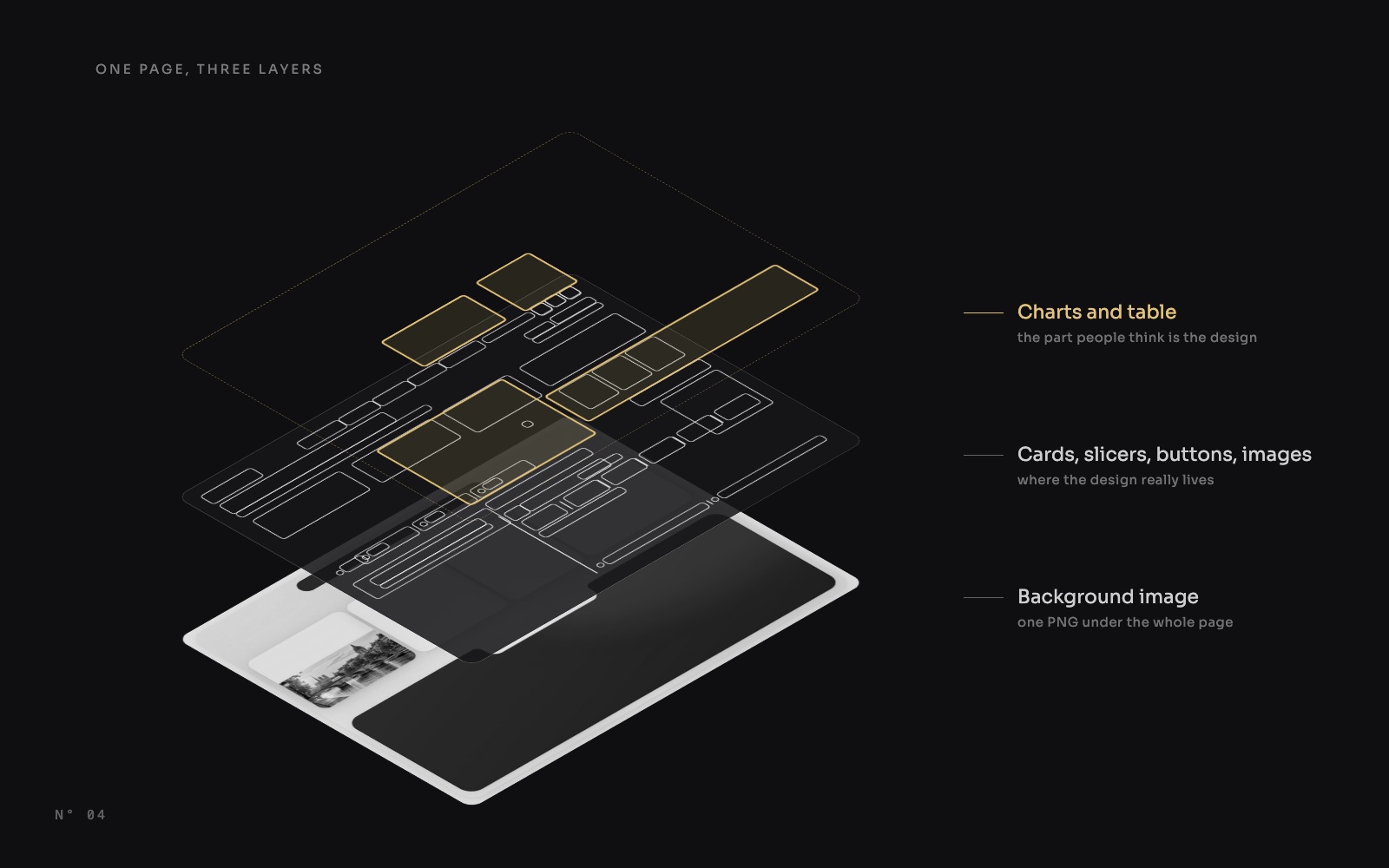 Design techniques14 October 20267 min read
347 visuals, only 9 charts: anatomy of a designed Power BI report
An X-ray of a designed Power BI report: 347 visuals, 167 of them cards and only 9 charts. Where the design of a Power BI report really lives, region by region.Page design and themingSVG and DAX visuals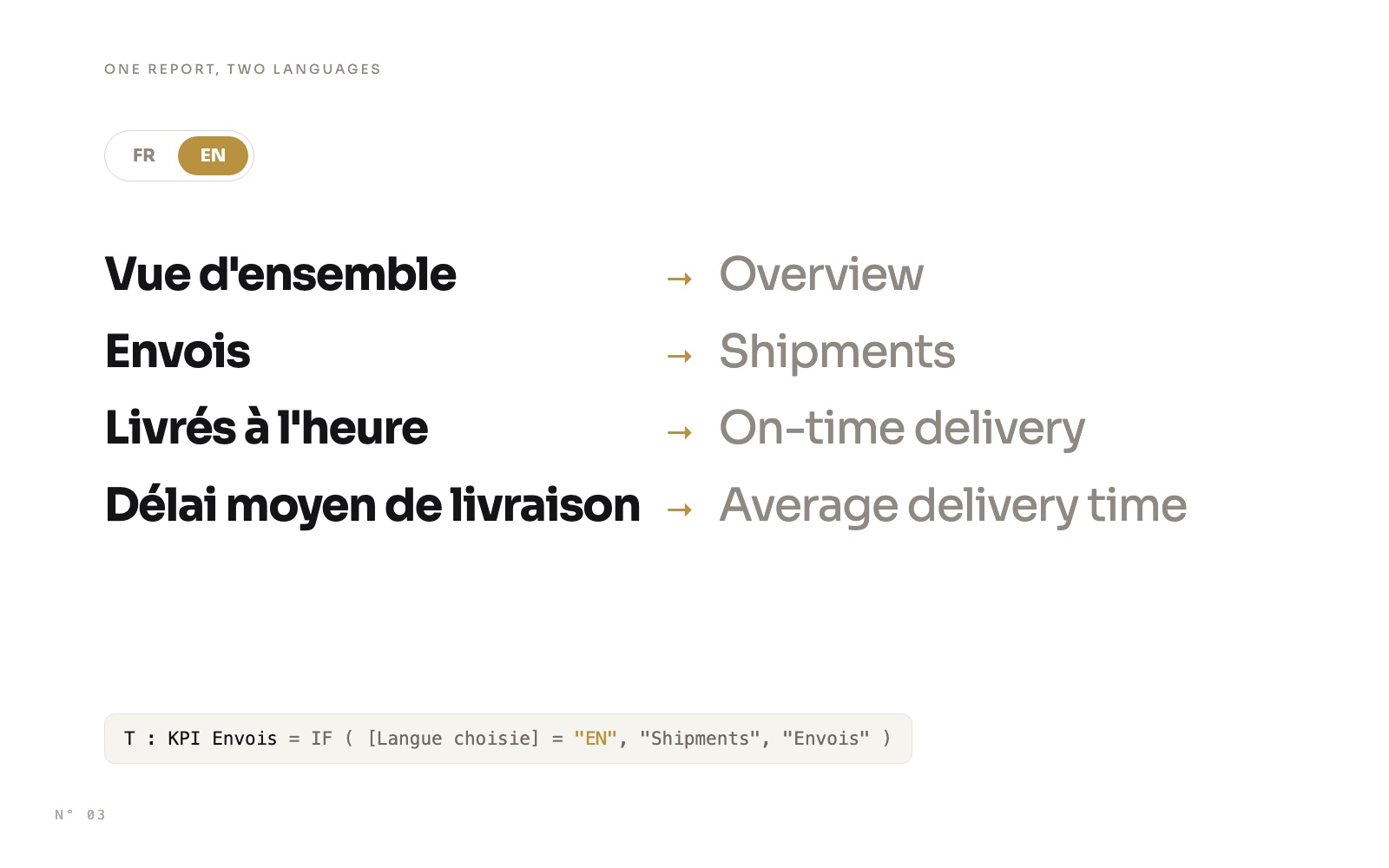 Design techniques14 October 20269 min read
A bilingual Power BI report with one slicer
Switch a whole Power BI report between French and English with one slicer: a language table, one measure per text, FORMAT with a culture, and one row per language for chart categories.Slicers and navigation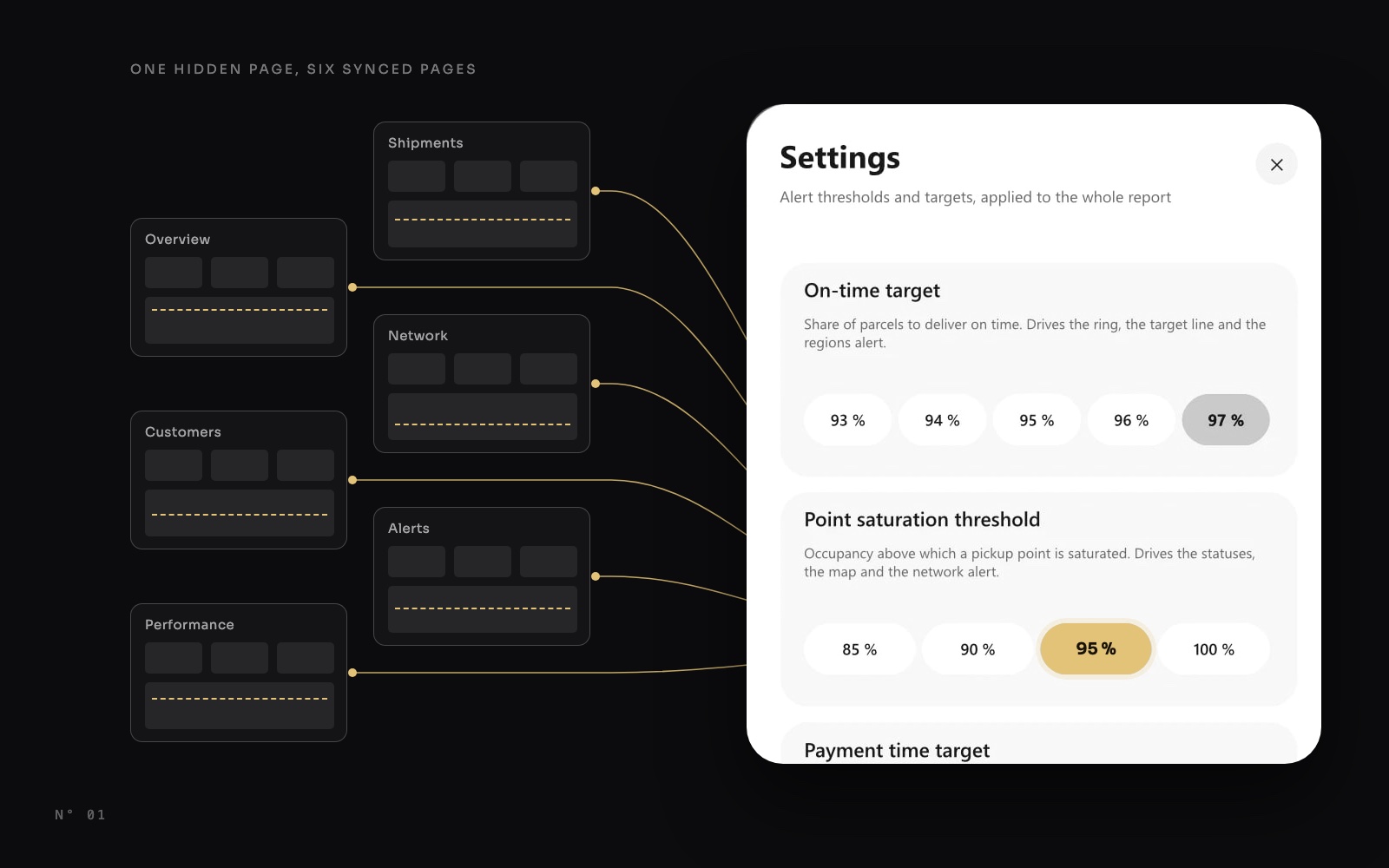 Design techniques14 October 20268 min read