

Topic
SVG and DAX visuals in Power BI
A DAX measure can return an SVG image, and a native card or table will draw it. These articles use that one idea to build rings, status pills, tiles, gauges and whole maps, with the exact measures, the encoding trap and the card settings that make them fit.
7 articles
 Design techniques24 October 20269 min read
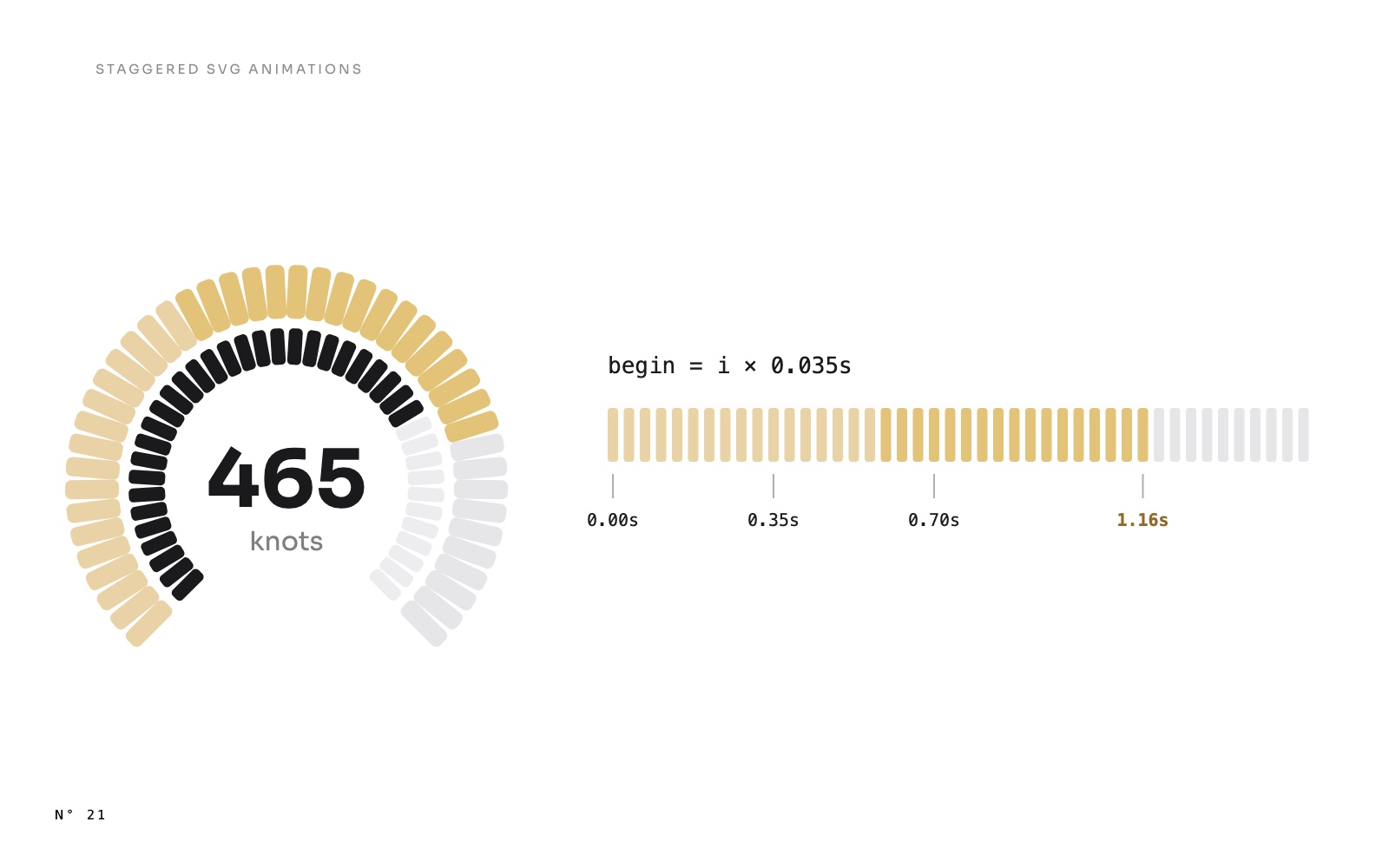
A gauge that fills segment by segment: staggered SVG animations in Power BI
Gauges that fill segment by segment, bars that rise one after another, lists that appear row by row: one DAX pattern gives each SVG element its own start time.AnimationSVG and DAX visuals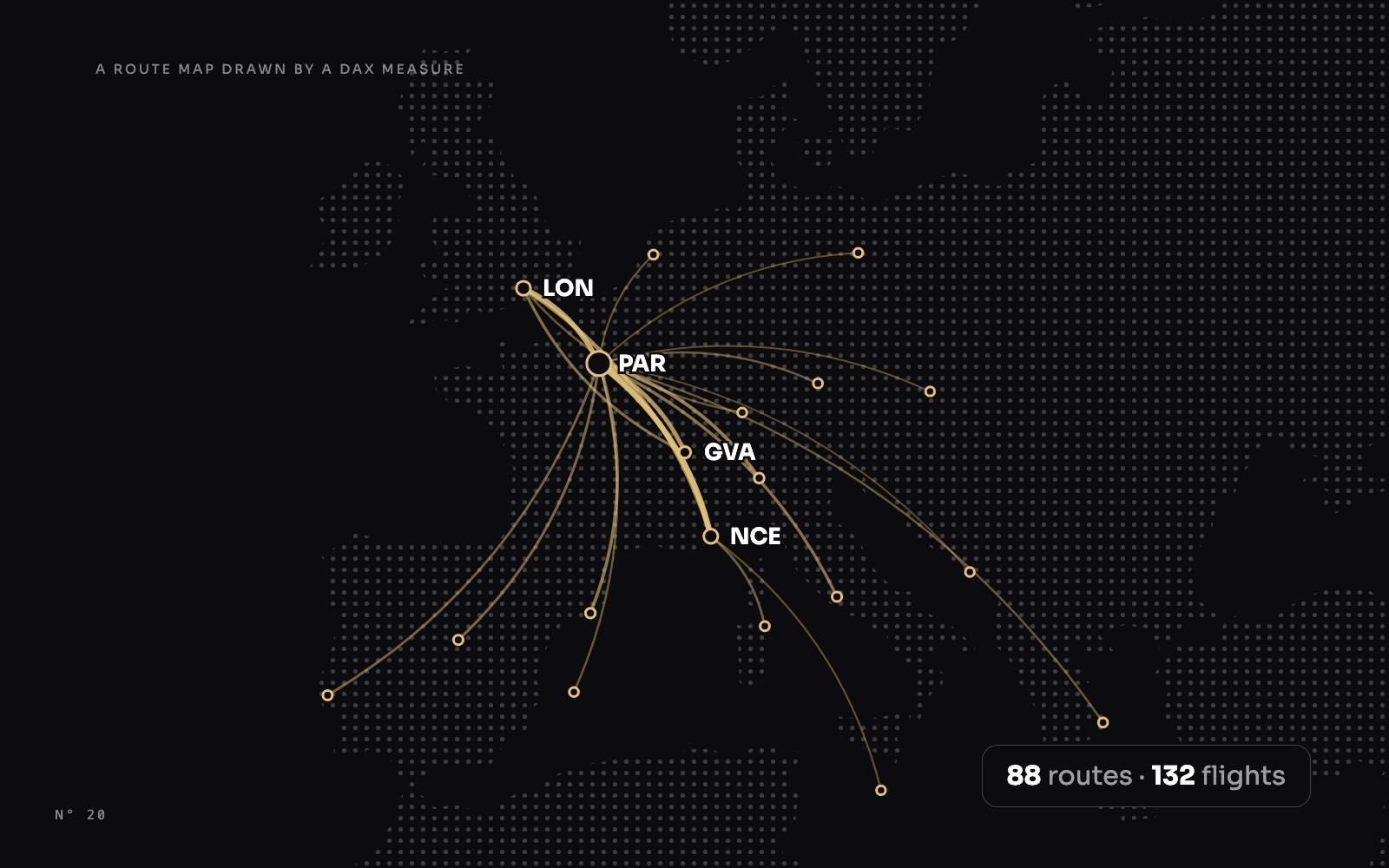 Design techniques24 October 202610 min read
A route map drawn by a DAX measure: arcs, airports and a map that frames itself
No map visual: one SVG measure projects airports, draws the period's routes as arcs weighted by traffic, labels the busiest without overlap and reframes itself.MapsSVG and DAX visuals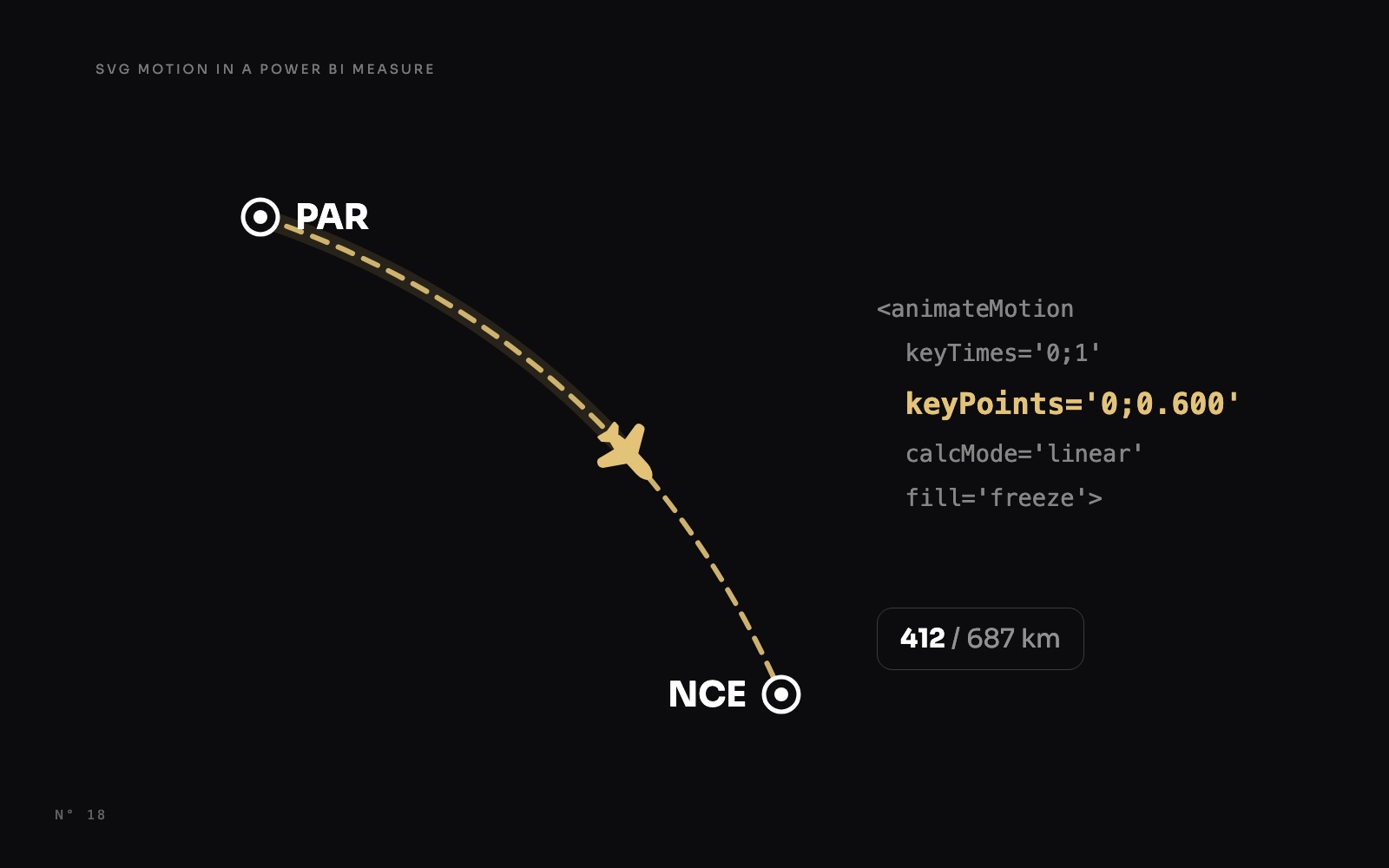 Design techniques24 October 20269 min read
The jet that stops where the flight is: SVG motion in a Power BI measure
Make a jet fly along its route and stop at the share of the flight already flown, with SVG animateMotion written by a DAX measure, in a native card.AnimationSVG and DAX visualsMaps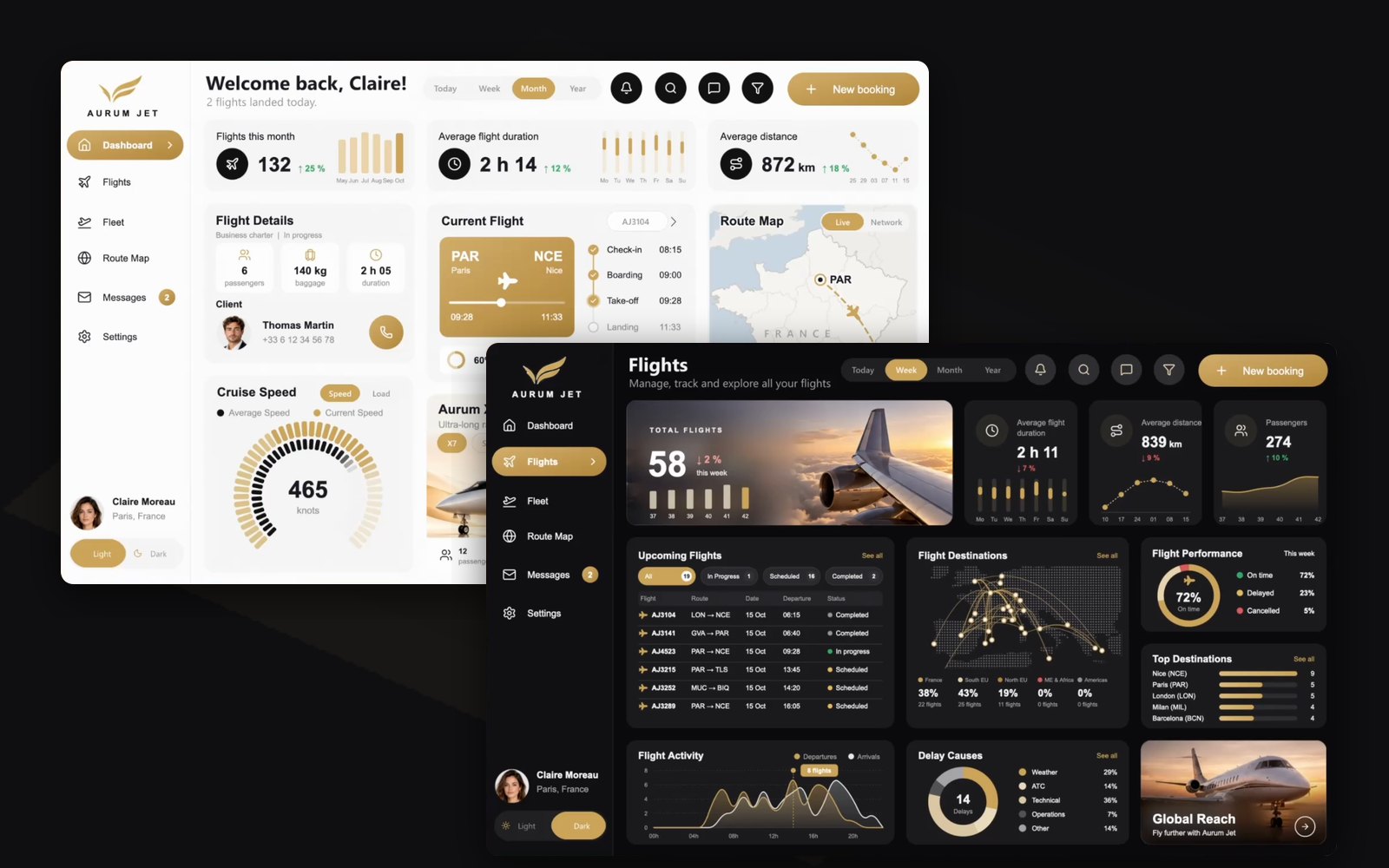 Free reports19 October 202610 min read
Aurum Jet: a free Power BI report with no custom visuals
Download Aurum Jet, a free Power BI report built with an AI agent: Light and Dark mode, native SVG animations, photos that follow the data, zero custom visuals.SVG and DAX visualsAnimationPage design and theming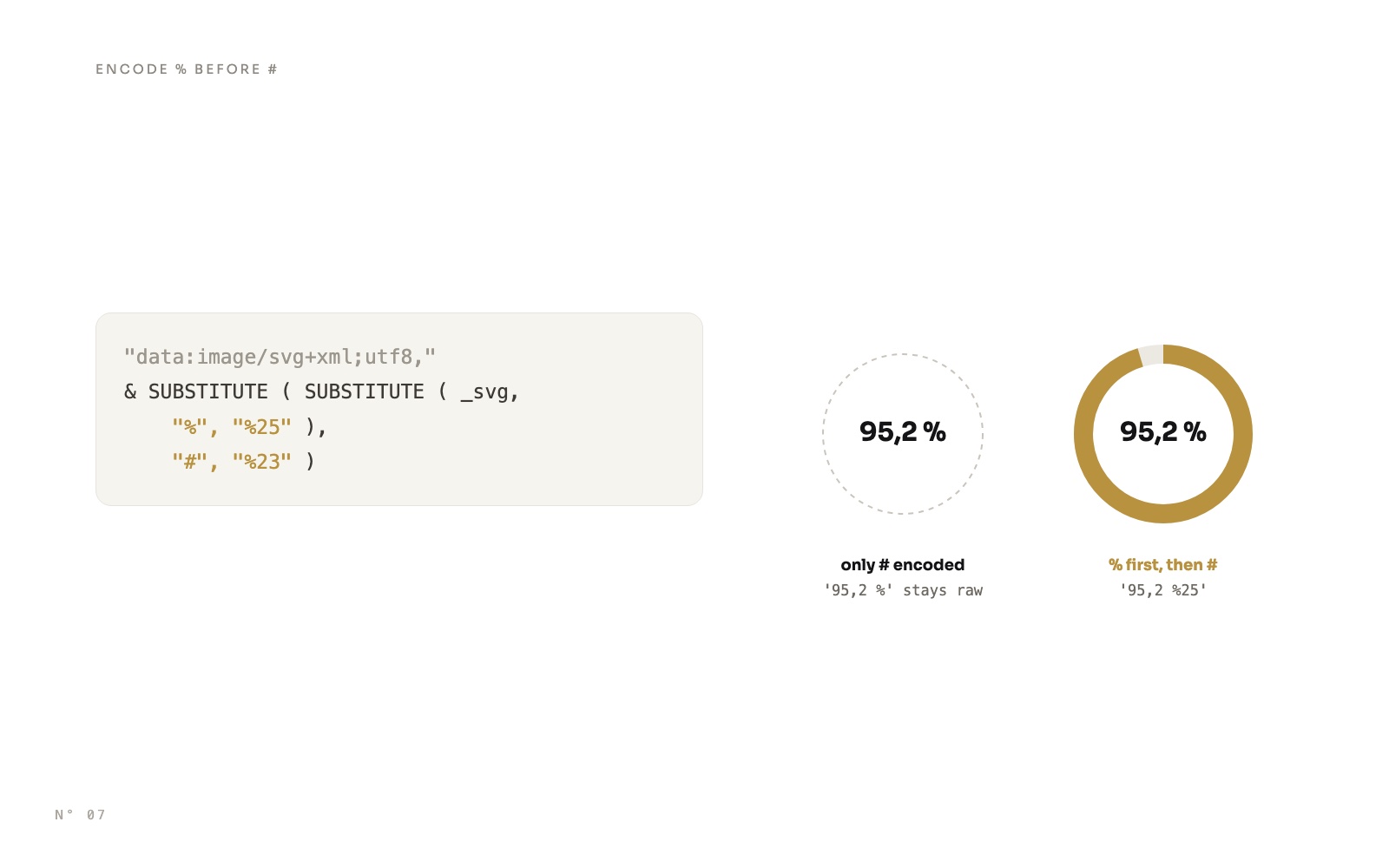 Design techniques14 October 20269 min read
SVG measures in Power BI cards: rings, pills and a timeline
Draw rings, status pills, gauges and a shipment timeline with DAX, as SVG in a card's image, and avoid the encoding trap that wipes out every colour.SVG and DAX visuals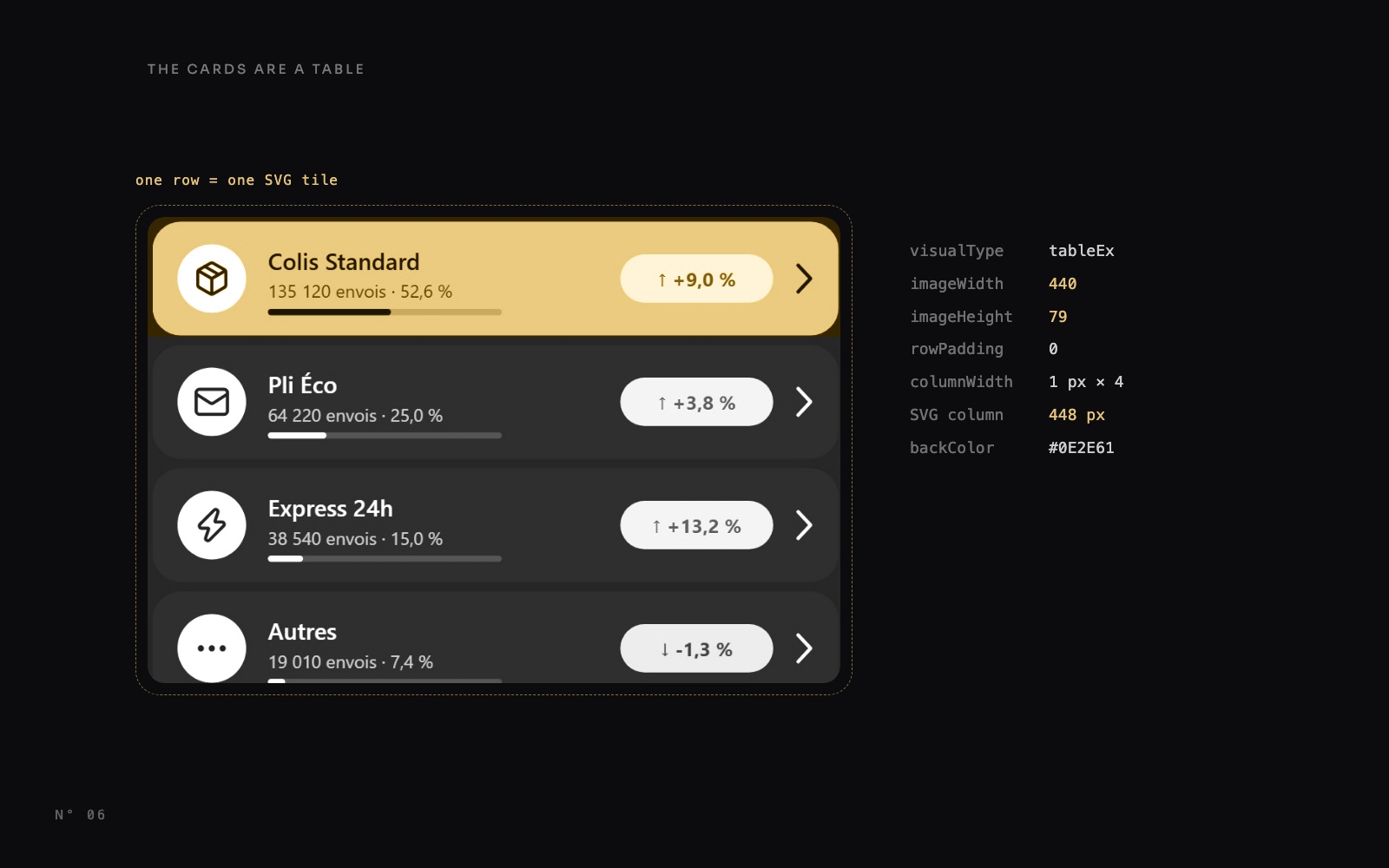 Design techniques14 October 20269 min read
Power BI table rows as cards: one SVG measure per row
A native table row can't have rounded corners or a highlight. One DAX measure draws an SVG tile per row, and the table shows only that image column.SVG and DAX visuals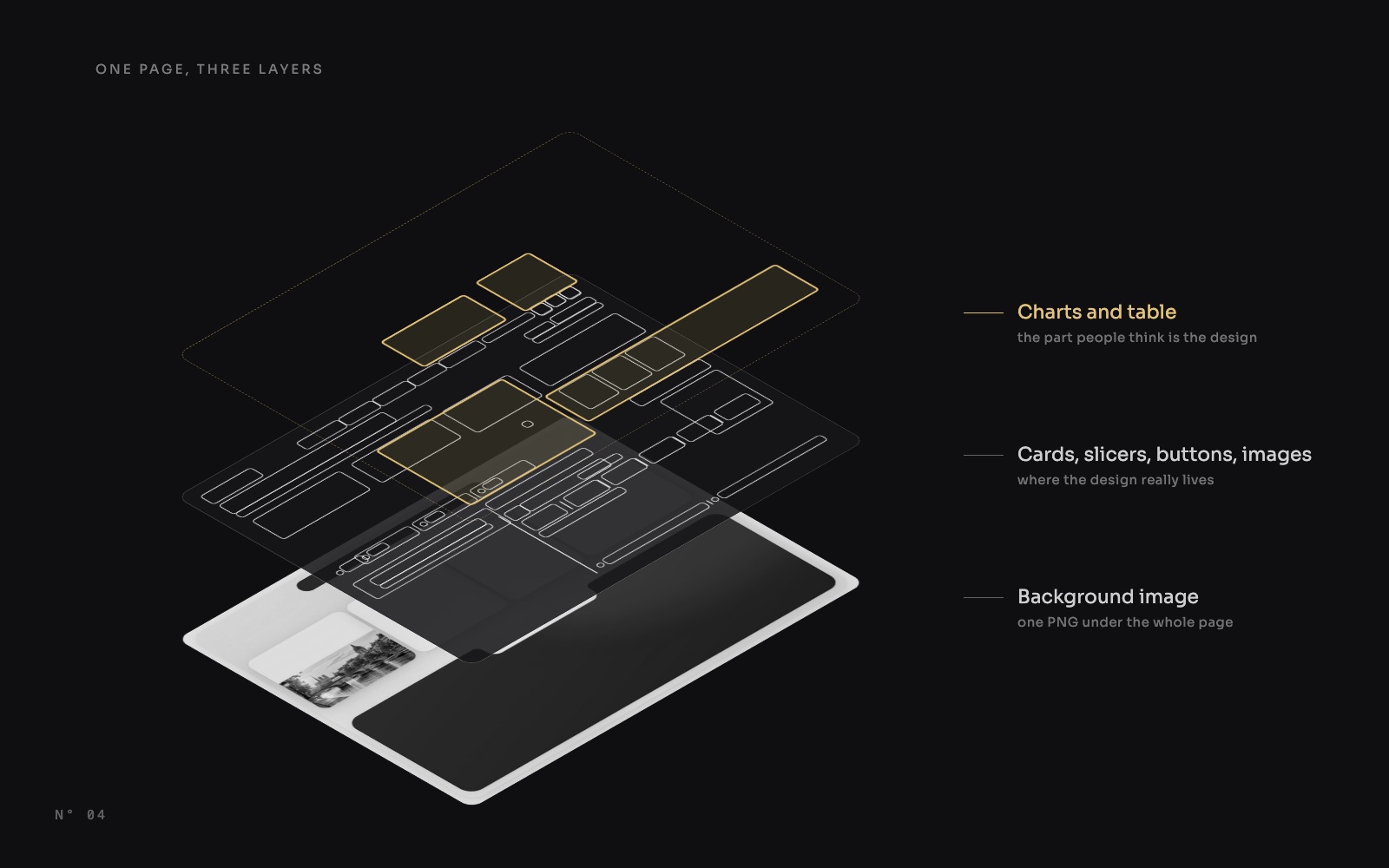 Design techniques14 October 20267 min read