

Topic
Power BI slicers, bookmarks and navigation
A report is easier to use when each control does one thing well. These articles build a settings panel on a hidden page, a sidebar made of bookmarks that leave the filters alone, a month picker for every KPI, a language switch, and a drawer that knows the theme.
5 articles
 Design techniques24 October 202610 min read
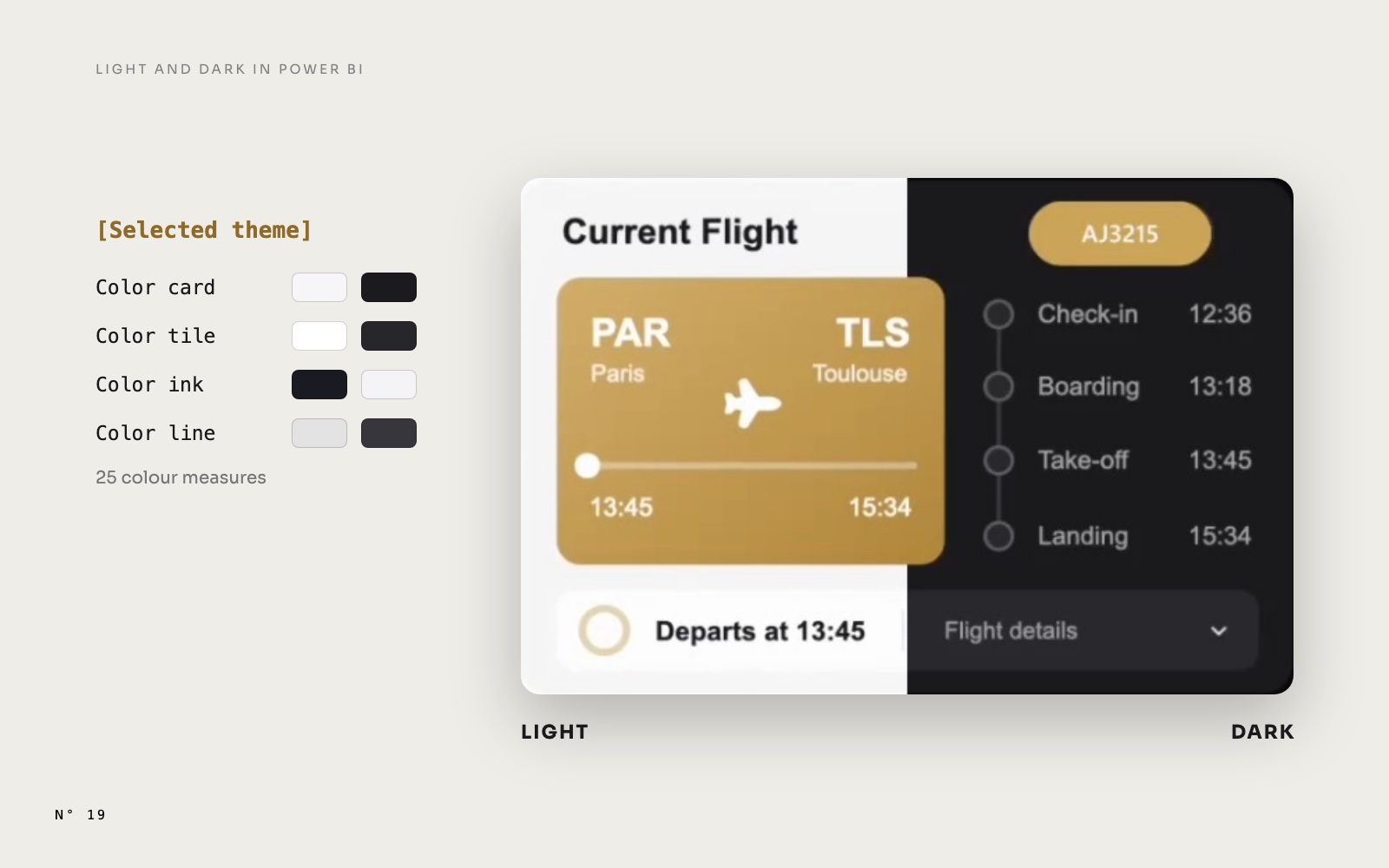
Light and Dark mode in Power BI: what follows a measure, and what doesn't
A real Light and Dark switch with one slicer and colour measures, and the four things Power BI won't recolour from a measure, with the fix for each one.Page design and themingSlicers and navigation Design techniques22 October 20269 min read
A Power BI month picker for every KPI: the disconnected table
One month picker drives four KPI cards, their change on the previous month and a ten-month trend, without filtering the page. A disconnected table and three measures.Slicers and navigation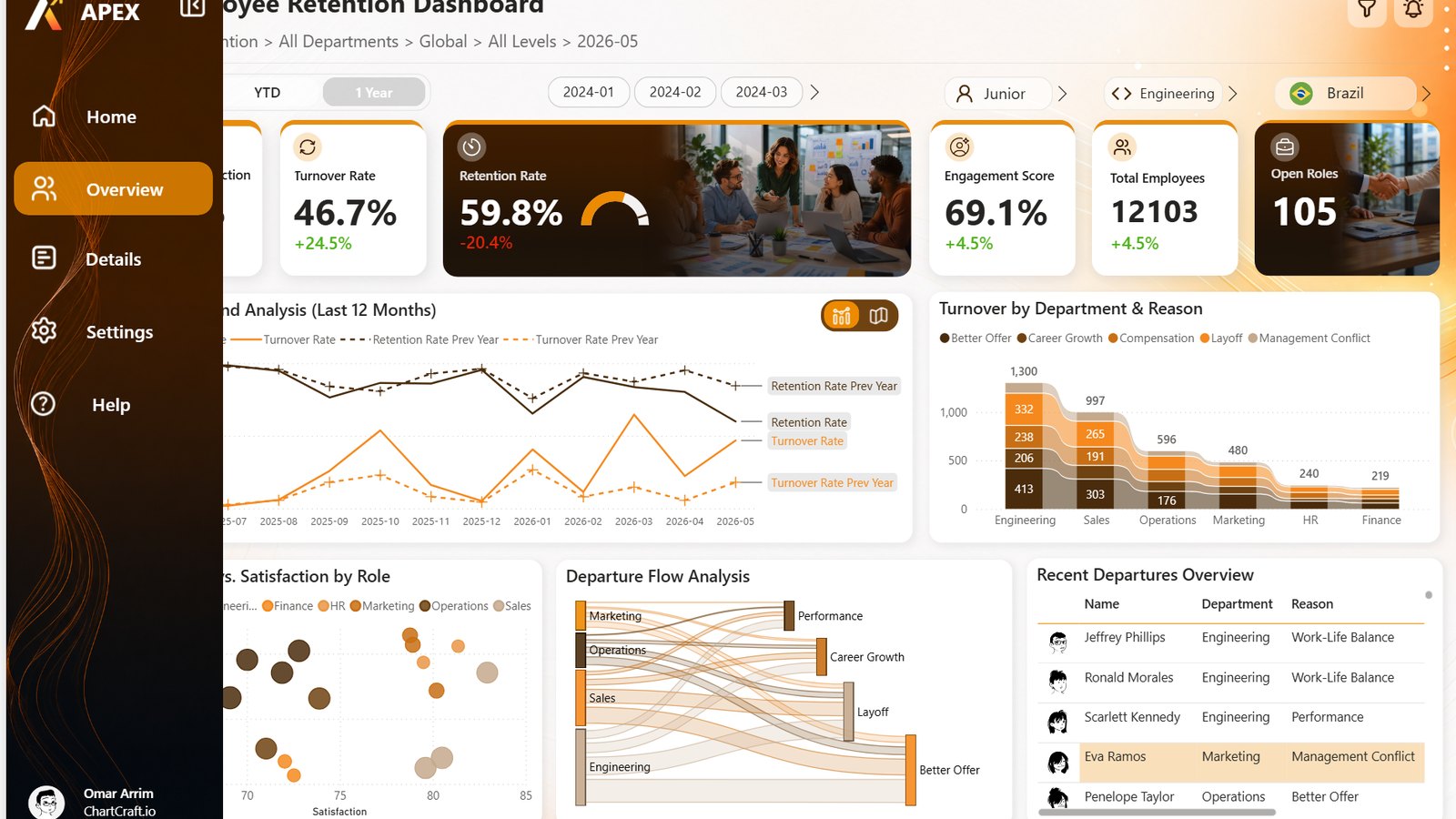 Design techniques22 October 20269 min read
A collapsible sidebar in Power BI: bookmarks that only touch a few visuals
A sidebar that opens and closes, a chart that turns into a map, and not one filter reset. Two bookmark settings, Selected visuals and Data off, do all of it.Slicers and navigation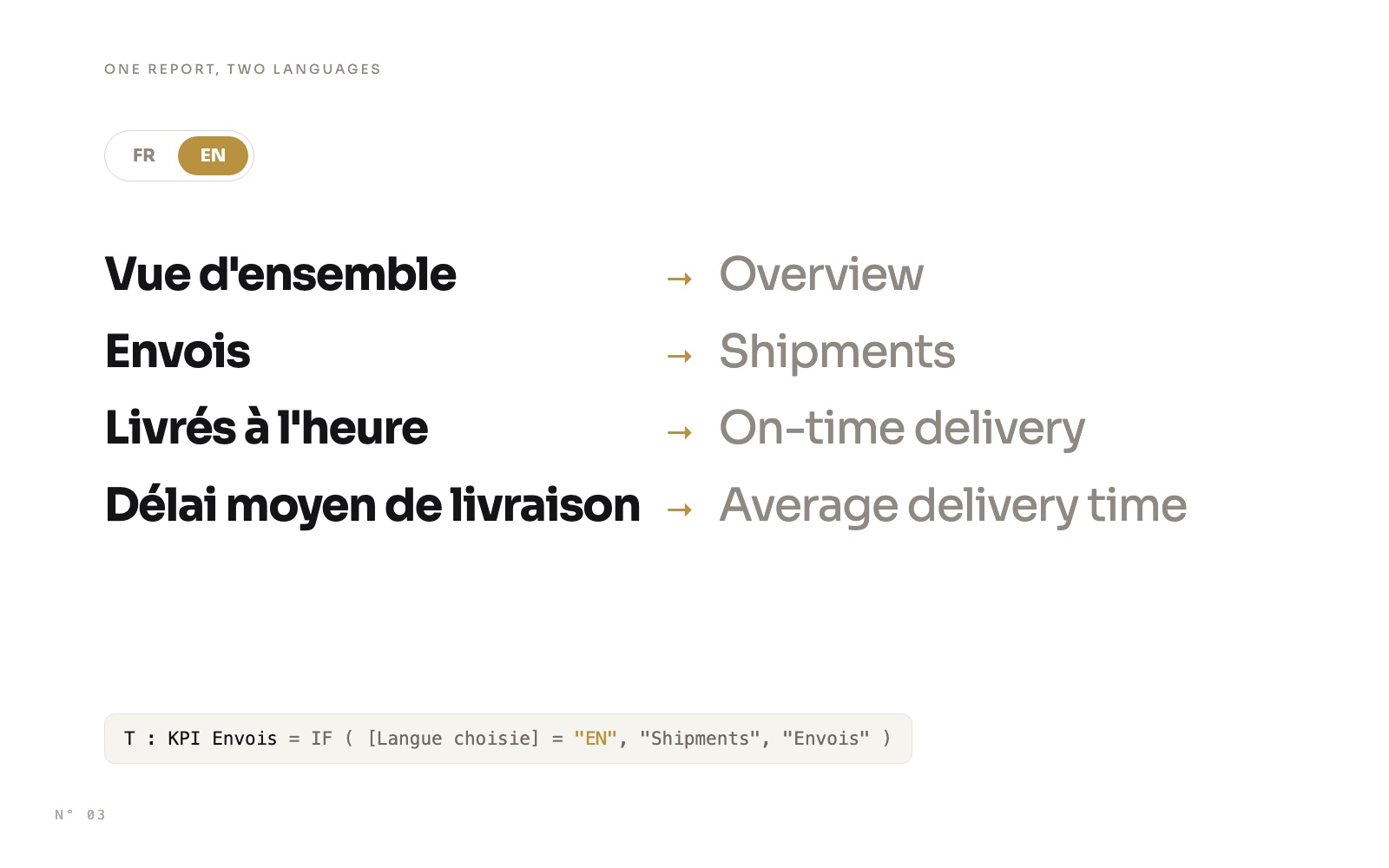 Design techniques14 October 20269 min read
A bilingual Power BI report with one slicer
Switch a whole Power BI report between French and English with one slicer: a language table, one measure per text, FORMAT with a culture, and one row per language for chart categories.Slicers and navigation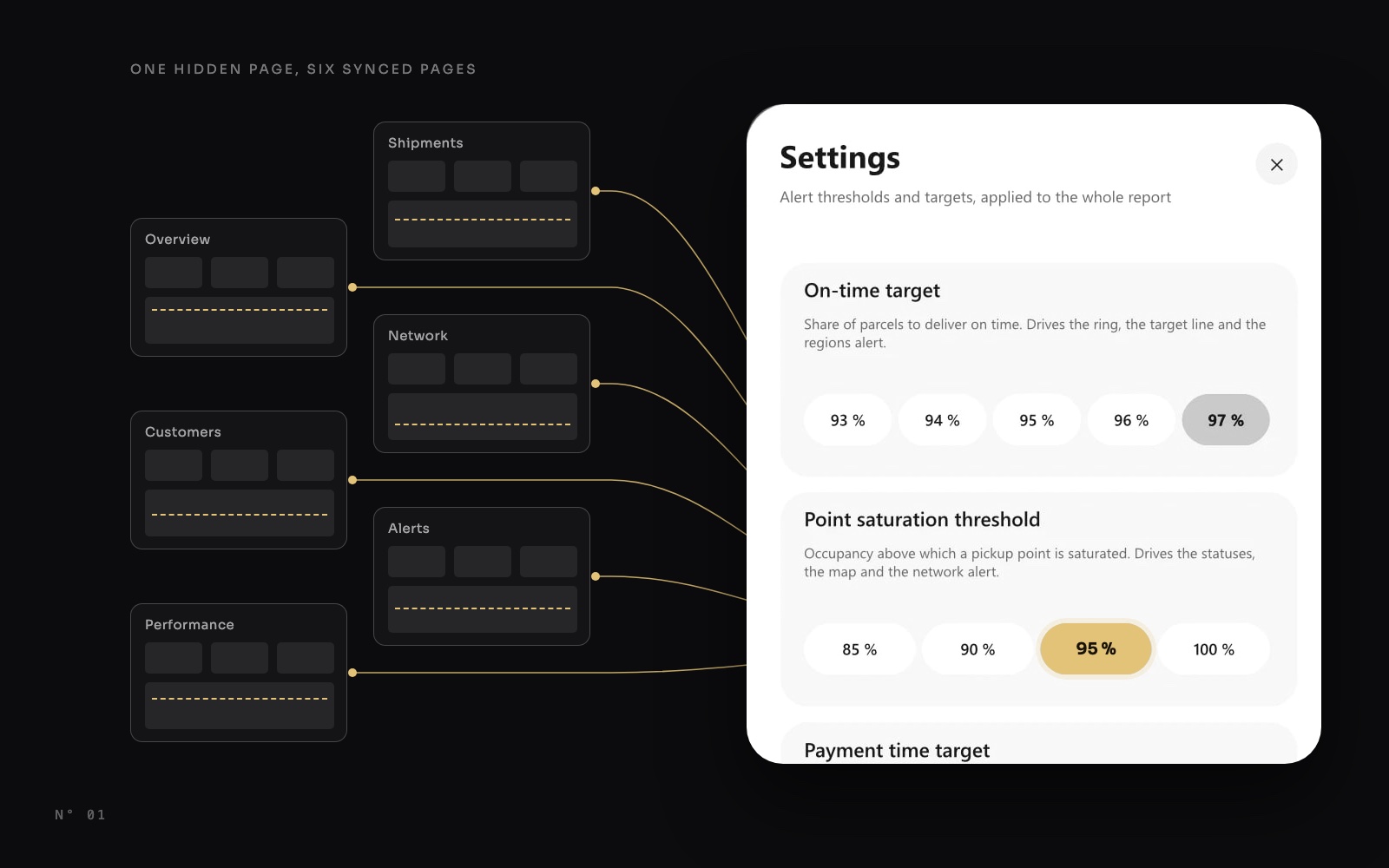 Design techniques14 October 20268 min read