

Series
The Colis Pro series: a designed Power BI report, explained
Colis Pro is a free, designed Power BI report for a fictional parcel network, built with an AI agent. Each article in this series takes one of its techniques apart, from the settings panel to the page backgrounds, in the order they were written.
Open the Colis Pro page12 articles
 Design techniques14 October 20268 min read
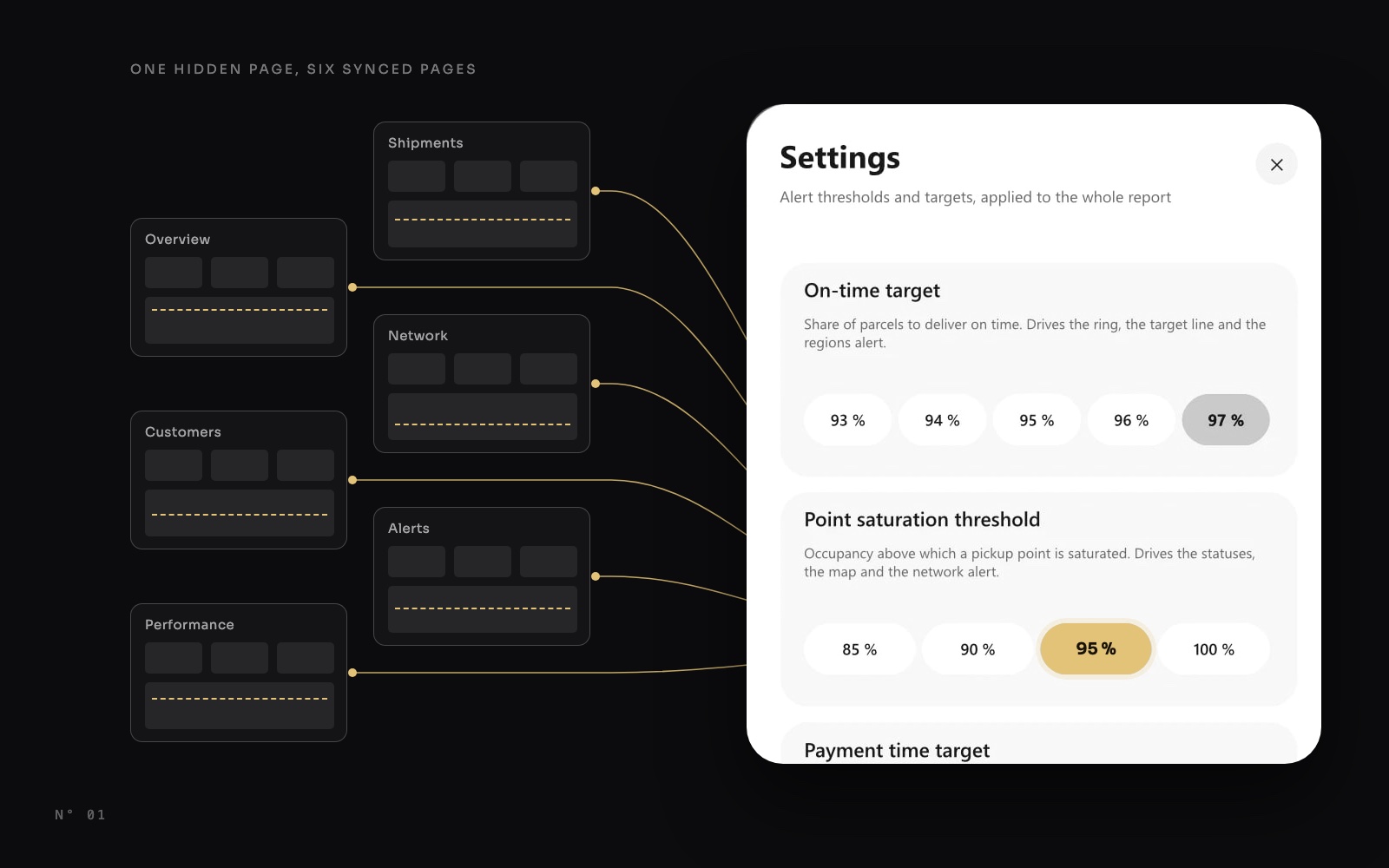
Let users set the thresholds: a settings panel in Power BI
Move thresholds out of DAX and into a settings panel: a parameter table, one measure with a default, a synced slicer and a hidden page. The whole report follows.Slicers and navigation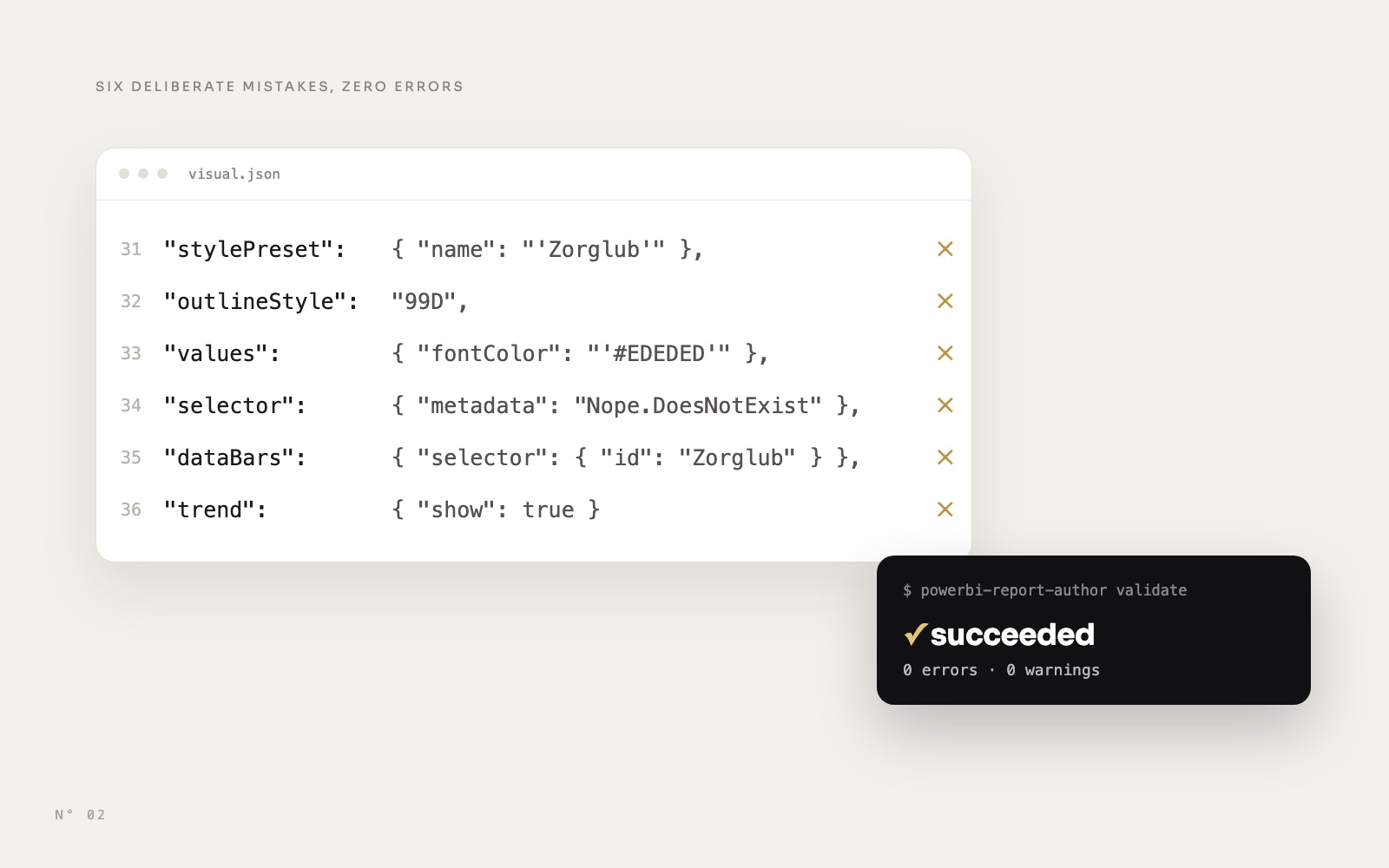 PBIR & agents14 October 20269 min read
The PBIR validator passes, Desktop disagrees: 7 traps
Microsoft's PBIR validator checks names and the schema, never the render. Seven things it lets through that Power BI Desktop draws differently, each proven by a render.PBIR, PBIP and TMDL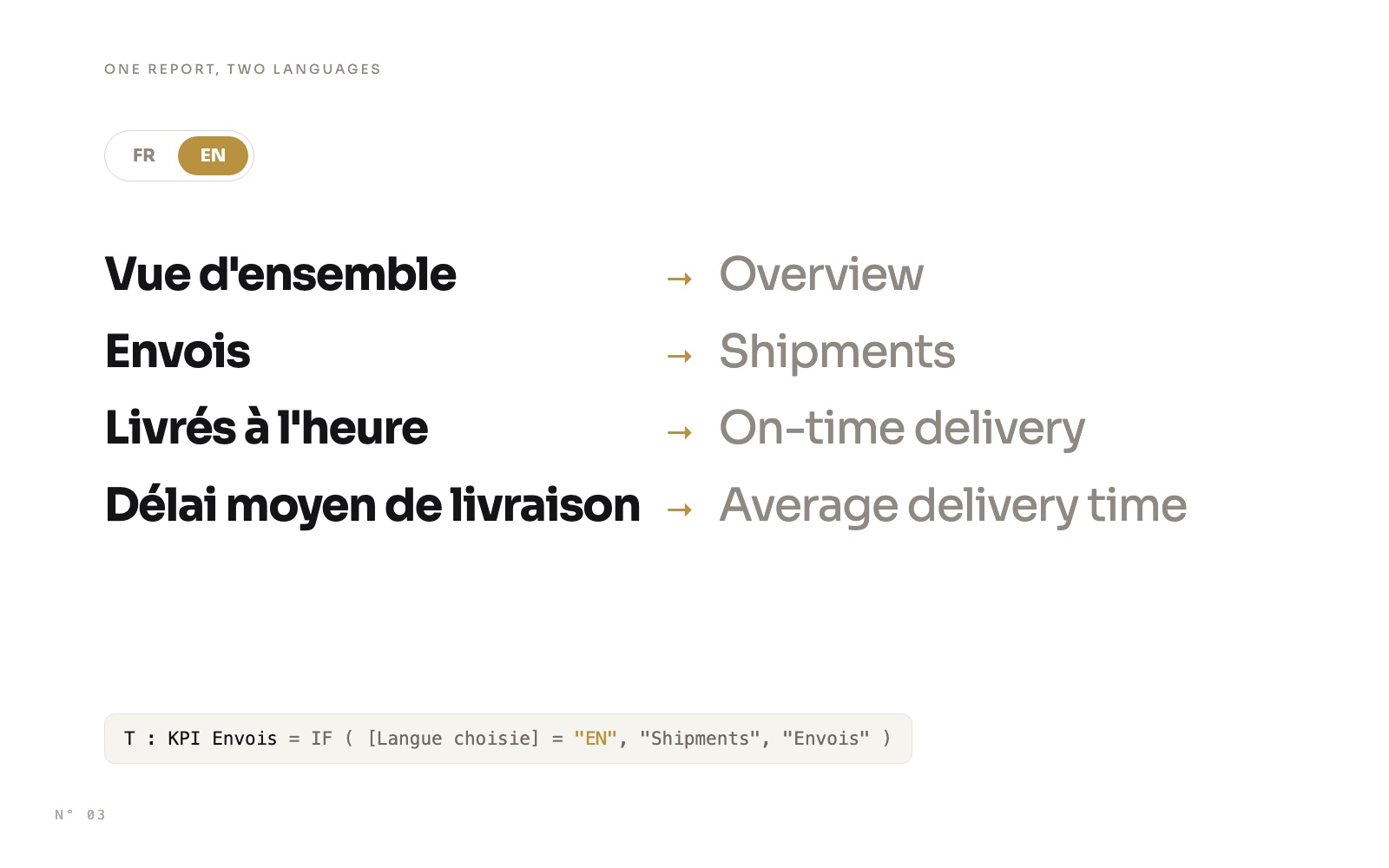 Design techniques14 October 20269 min read
A bilingual Power BI report with one slicer
Switch a whole Power BI report between French and English with one slicer: a language table, one measure per text, FORMAT with a culture, and one row per language for chart categories.Slicers and navigation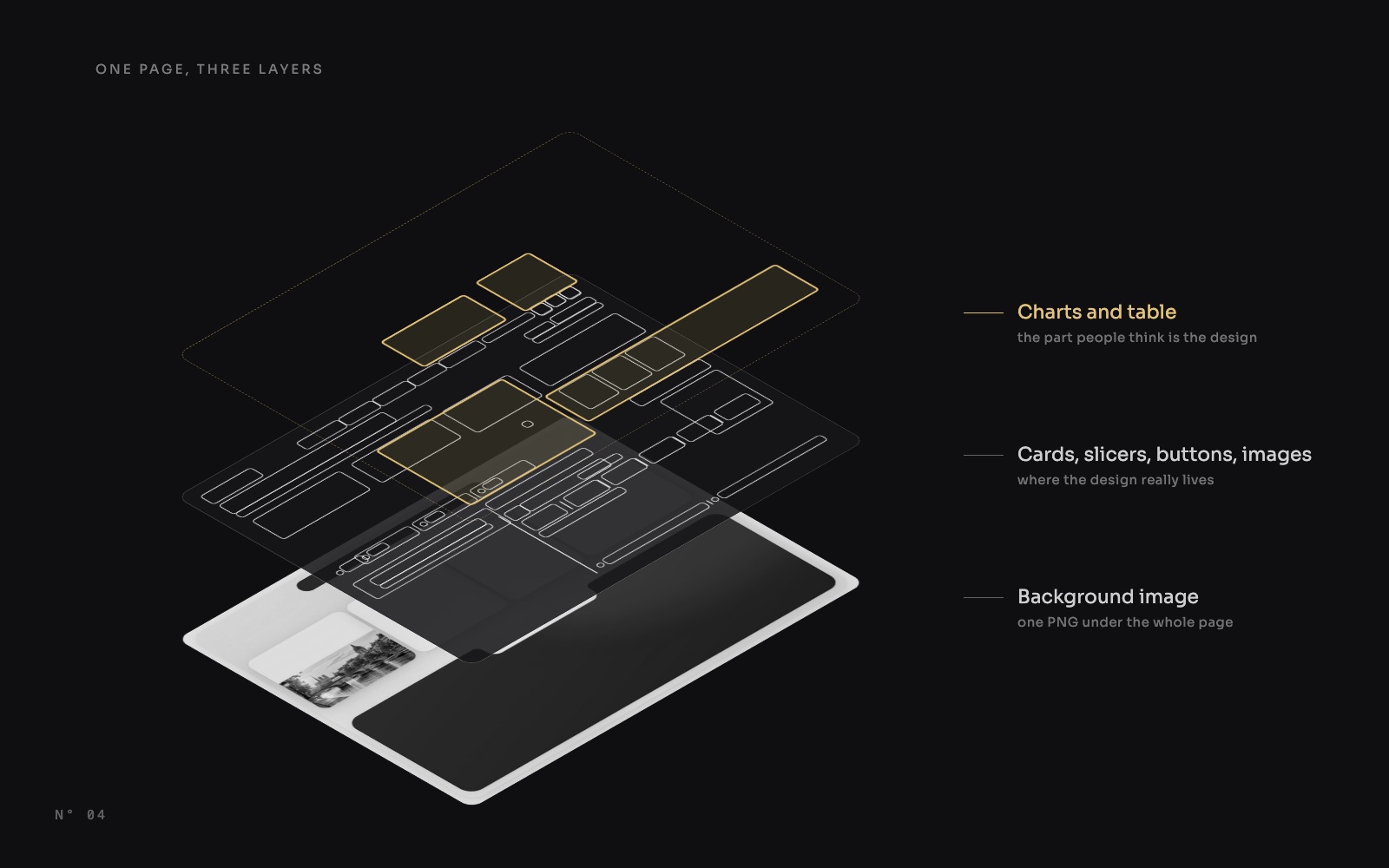 Design techniques14 October 20267 min read
347 visuals, only 9 charts: anatomy of a designed Power BI report
An X-ray of a designed Power BI report: 347 visuals, 167 of them cards and only 9 charts. Where the design of a Power BI report really lives, region by region.Page design and themingSVG and DAX visuals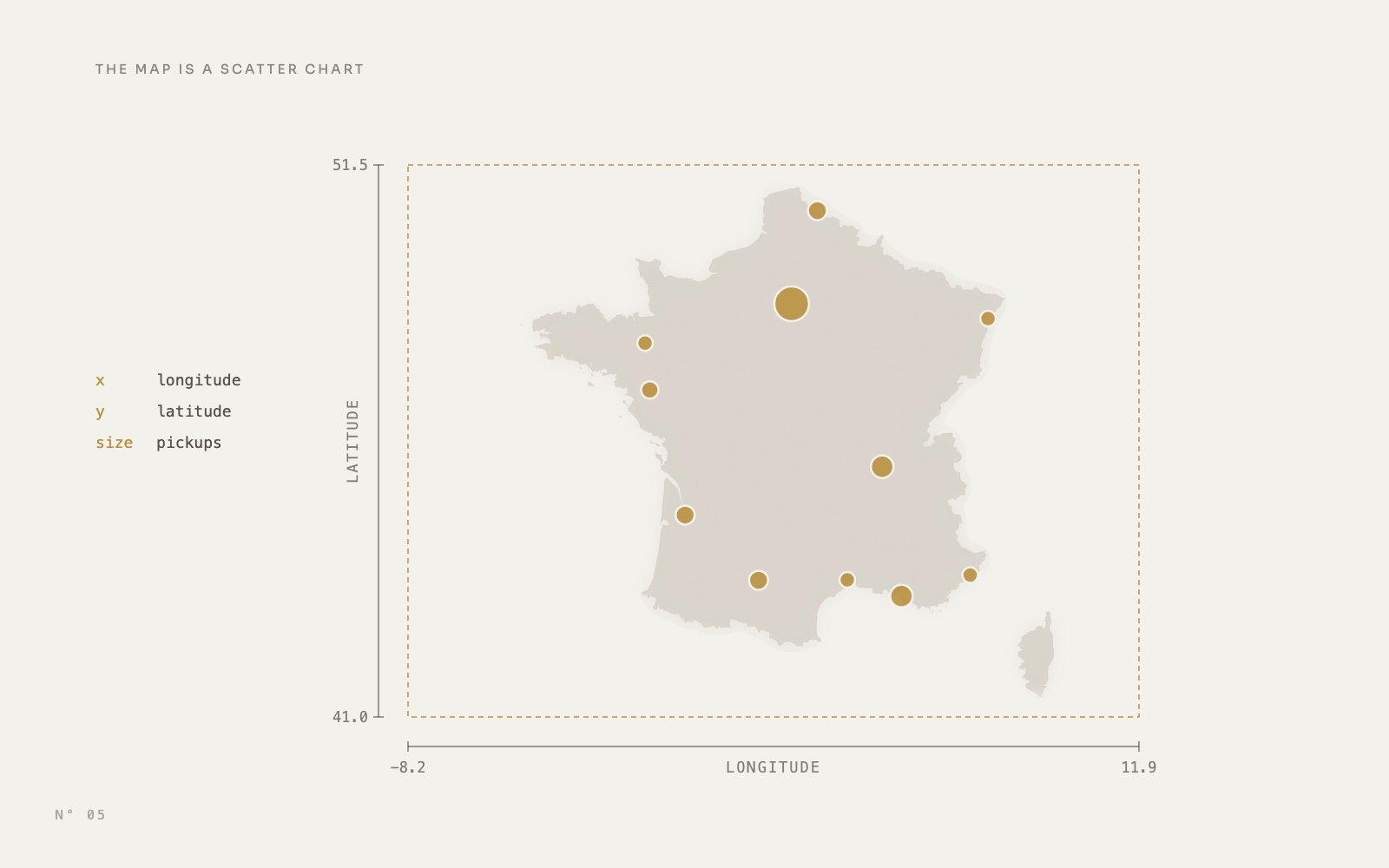 Design techniques14 October 20269 min read
A Power BI map without Azure Maps: a scatter chart over an image
Replace Azure Maps with a native scatter chart: longitude on X, latitude on Y, axes bounded to a map image set as the plot area background.Maps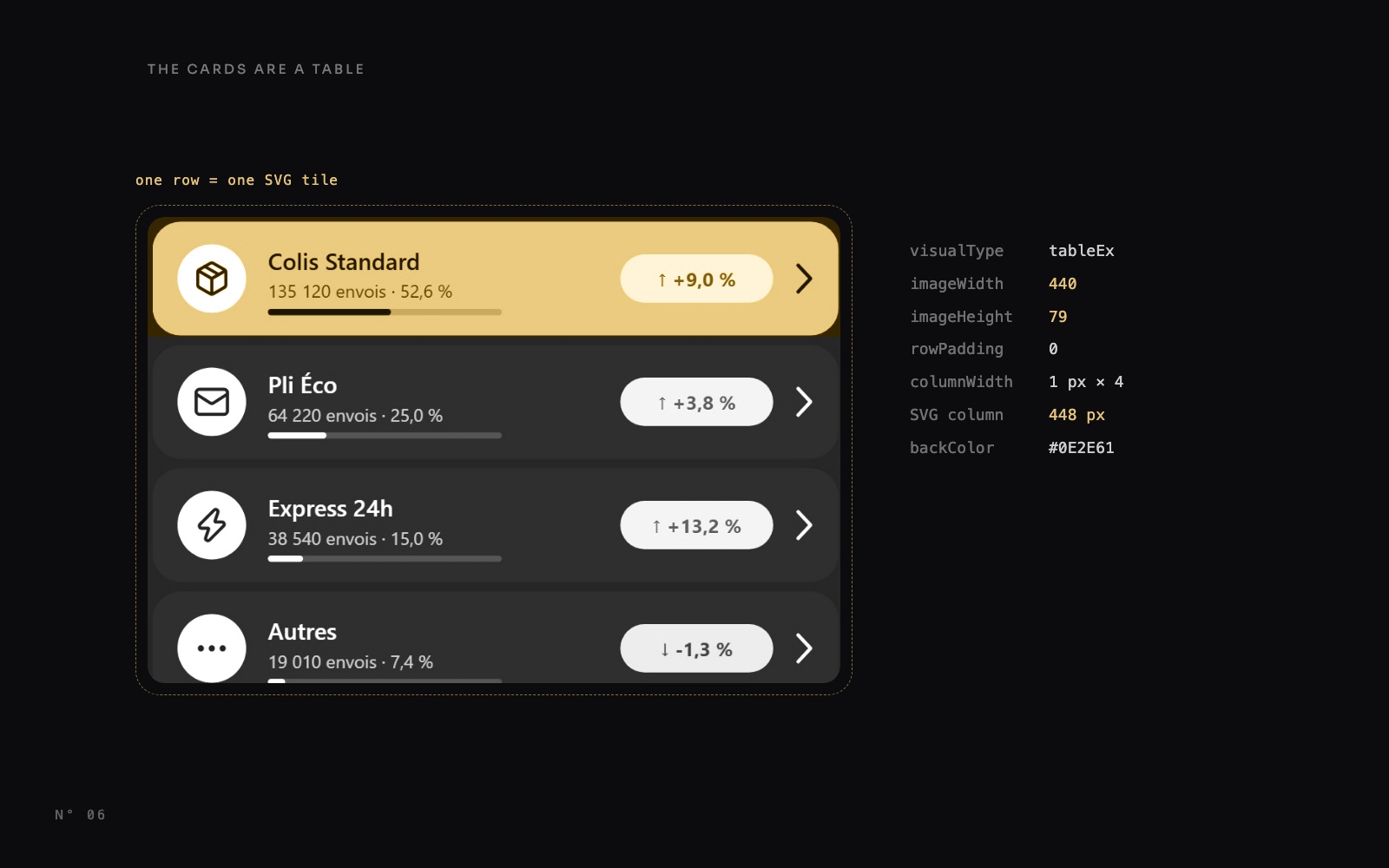 Design techniques14 October 20269 min read
Power BI table rows as cards: one SVG measure per row
A native table row can't have rounded corners or a highlight. One DAX measure draws an SVG tile per row, and the table shows only that image column.SVG and DAX visuals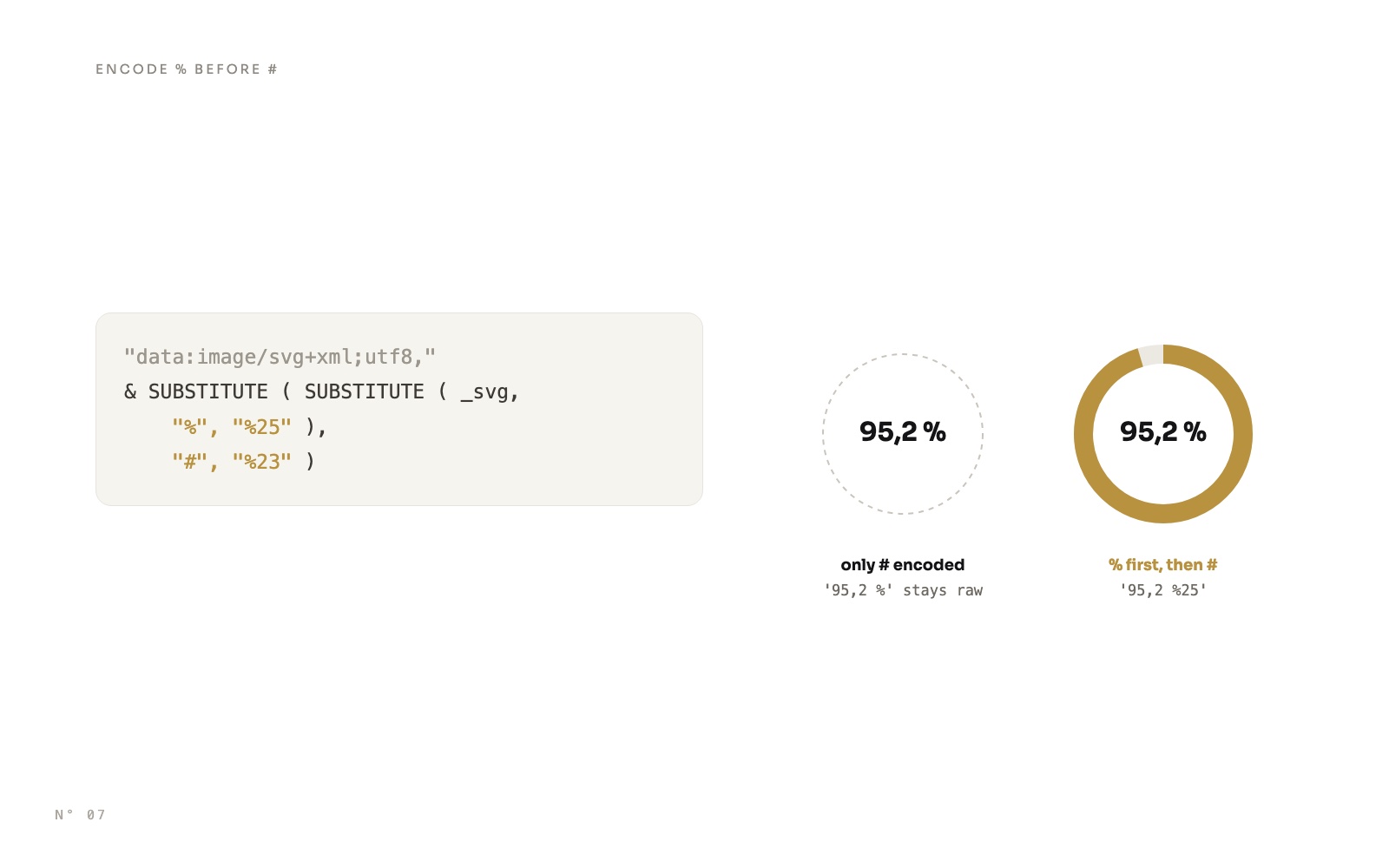 Design techniques14 October 20269 min read
SVG measures in Power BI cards: rings, pills and a timeline
Draw rings, status pills, gauges and a shipment timeline with DAX, as SVG in a card's image, and avoid the encoding trap that wipes out every colour.SVG and DAX visuals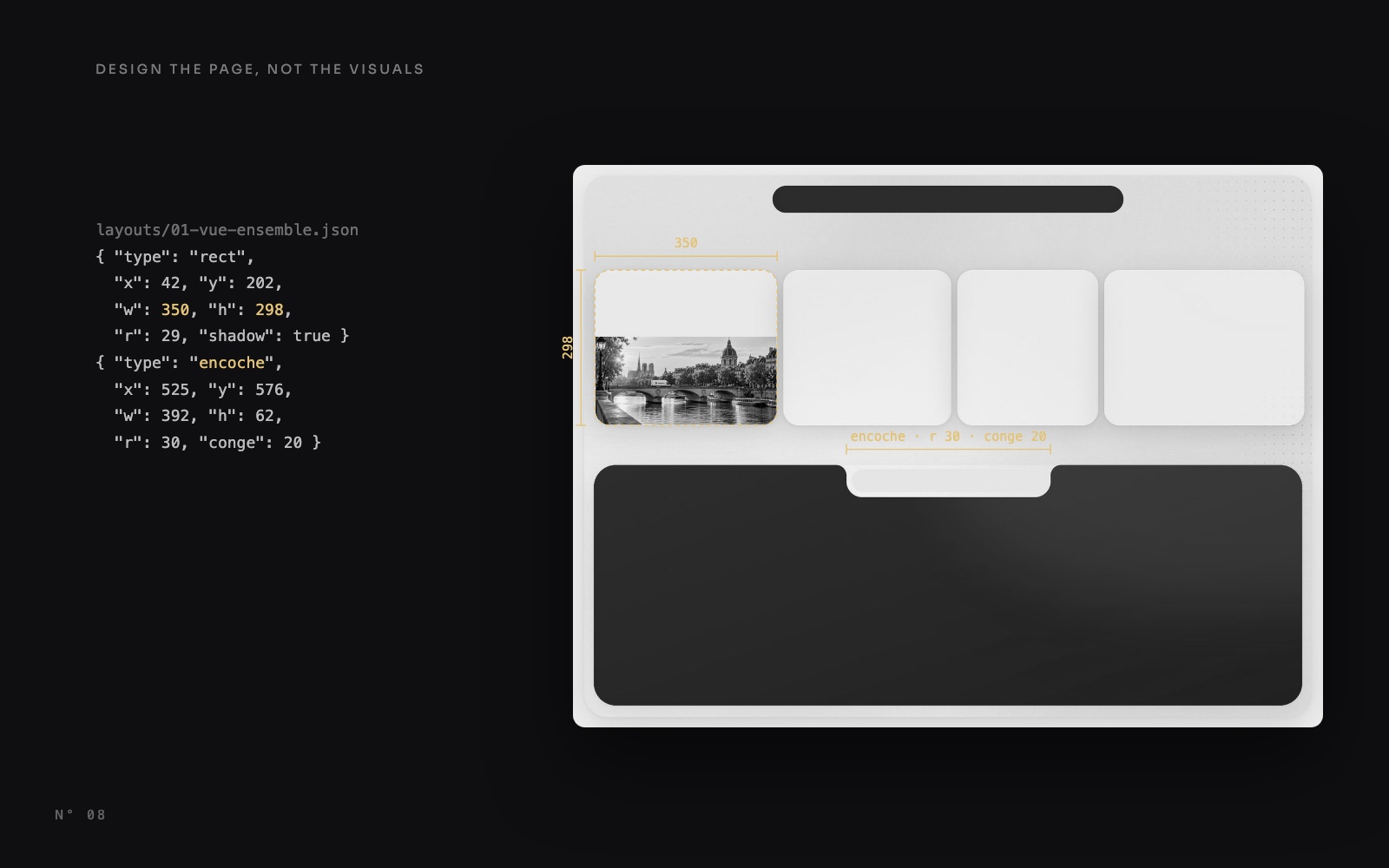 Design techniques14 October 20269 min read
Design the page, not the visuals: Power BI page backgrounds
Shadows, gradients, a notch and photos drawn into one 2x image under transparent visuals: how Colis Pro designs each Power BI page, with or without code.Page design and theming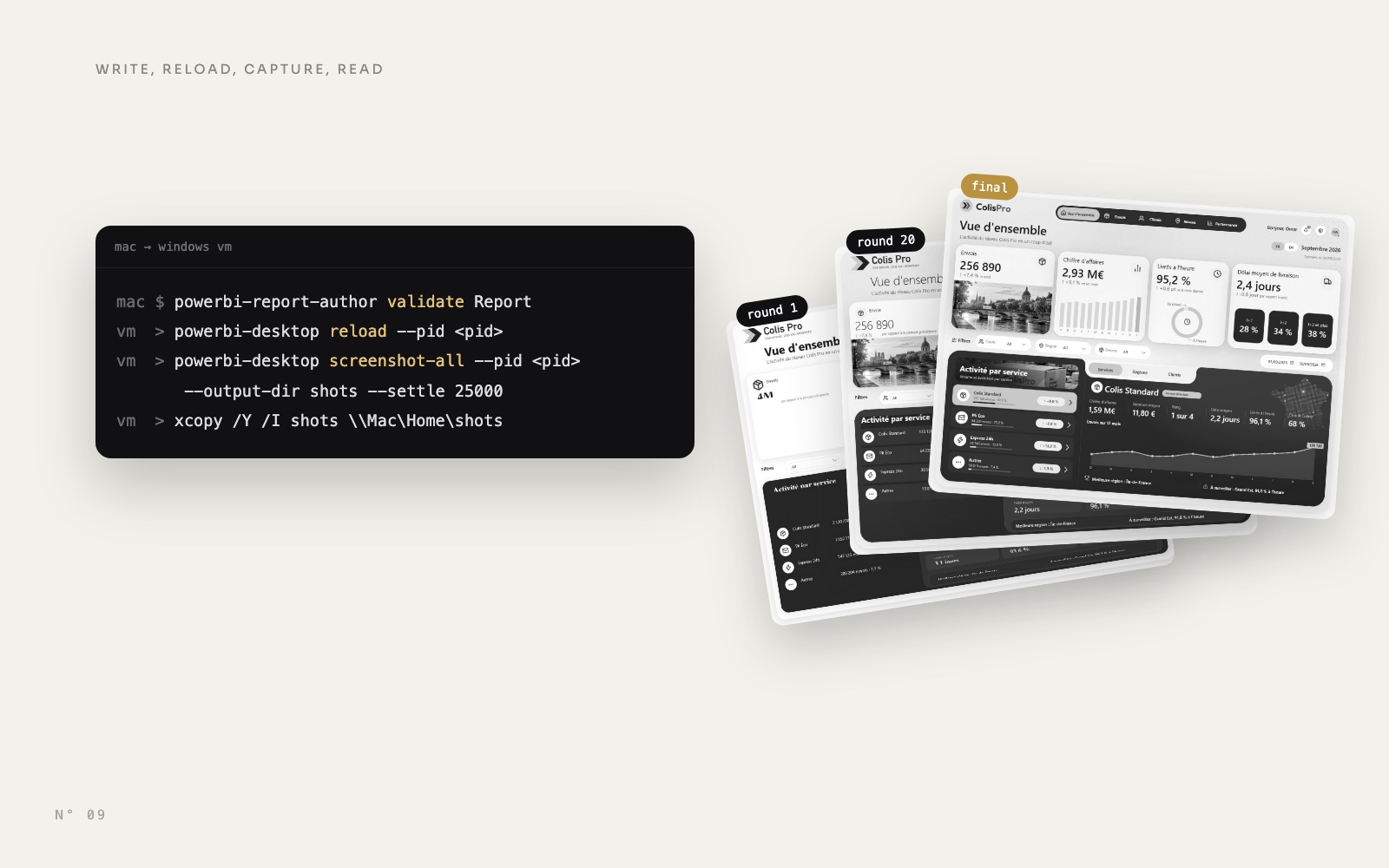 PBIR & agents14 October 20269 min read
Give your AI agent eyes: the Power BI Desktop Bridge from a Mac
An AI agent on a Mac drives Power BI Desktop in a Windows VM with the Desktop Bridge: write, validate, reload, capture every page, read the PNGs, fix.AI agentsPBIR, PBIP and TMDL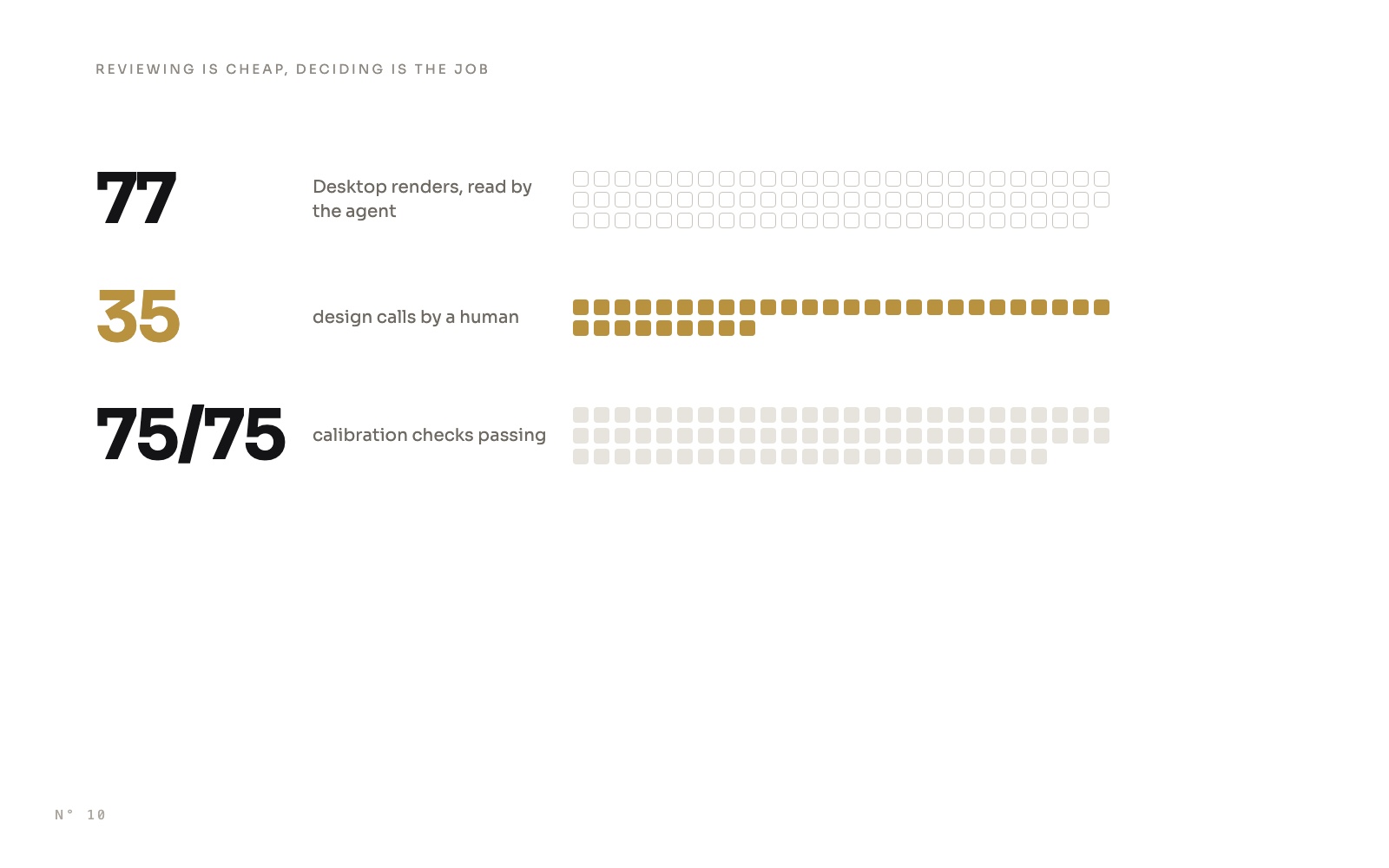 Field notes14 October 20269 min read
Reviewing is cheap, deciding is the job: how an AI agent built a Power BI report
An AI agent built Colis Pro, a full Power BI report, in 77 rounds. Where the human time went: the brief, calibrated data, contradictions and choices.AI agents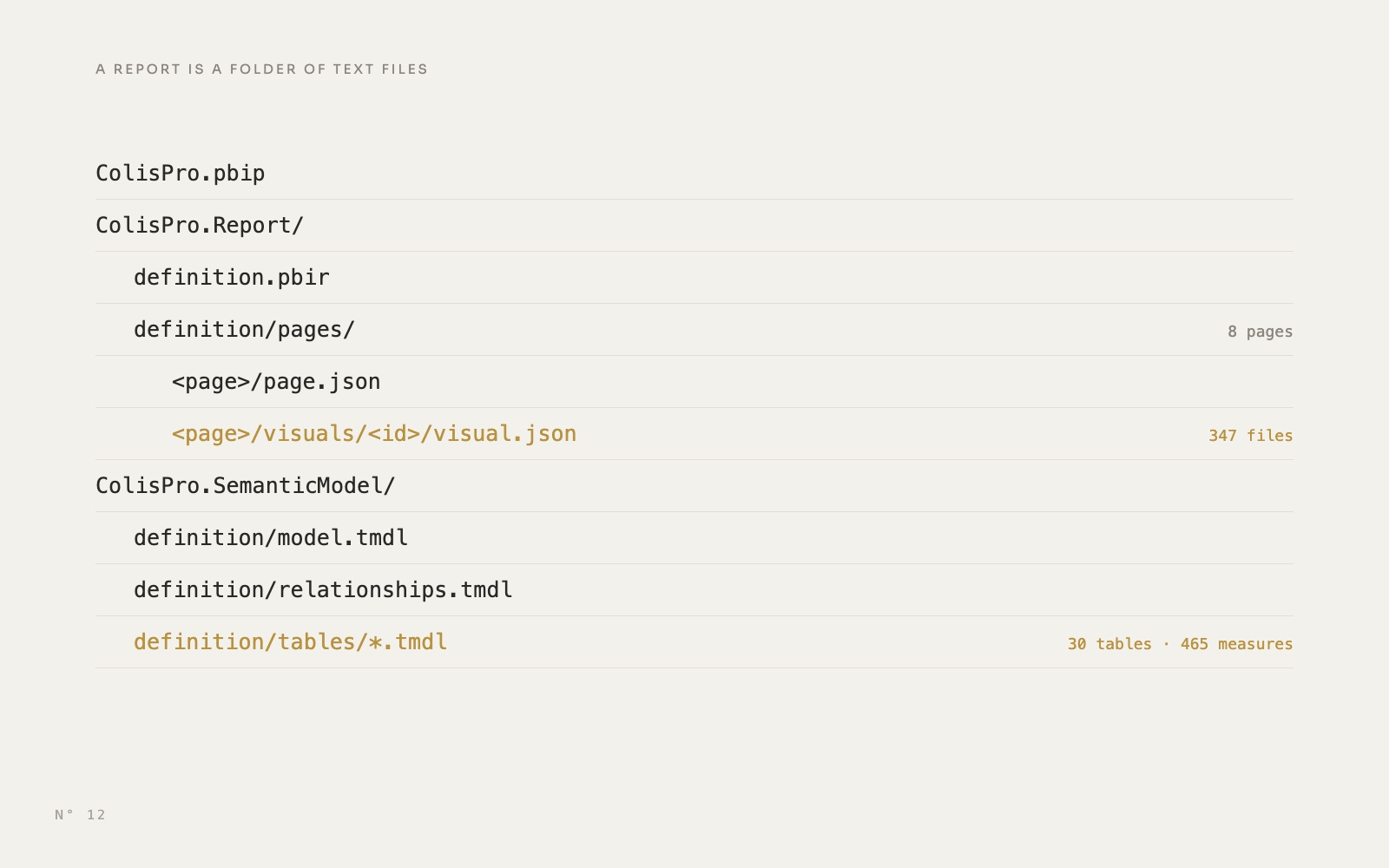 PBIR & agents14 October 20269 min read
PBIP, PBIR and TMDL explained: inside a Power BI project
What is inside a Power BI project folder, file by file, from a real 347-visual report: PBIR for the report, TMDL for the model, and why Git and agents care.PBIR, PBIP and TMDL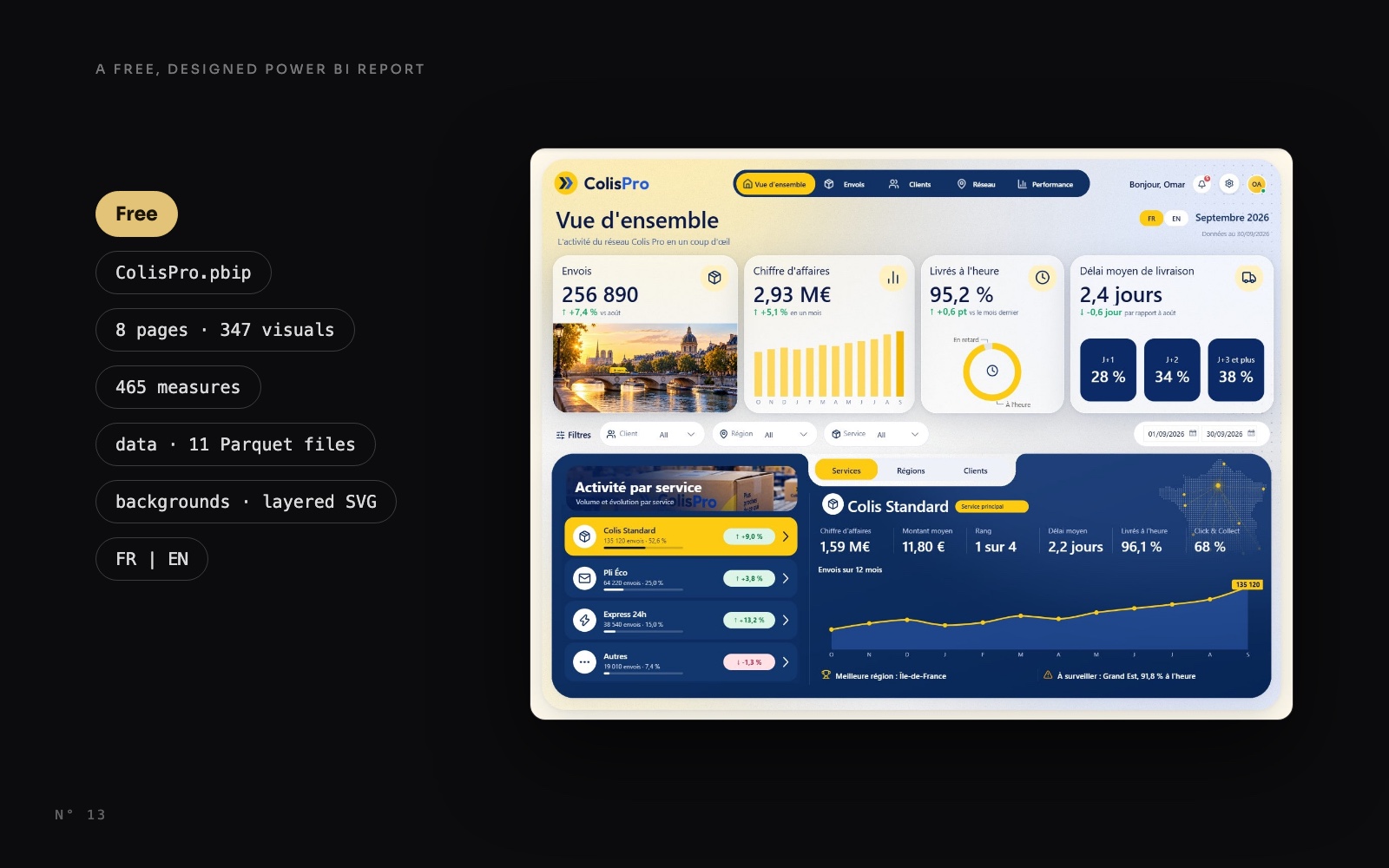 Free reports14 October 20268 min read