

Series
The Aurum Jet series: native animation and theming in Power BI
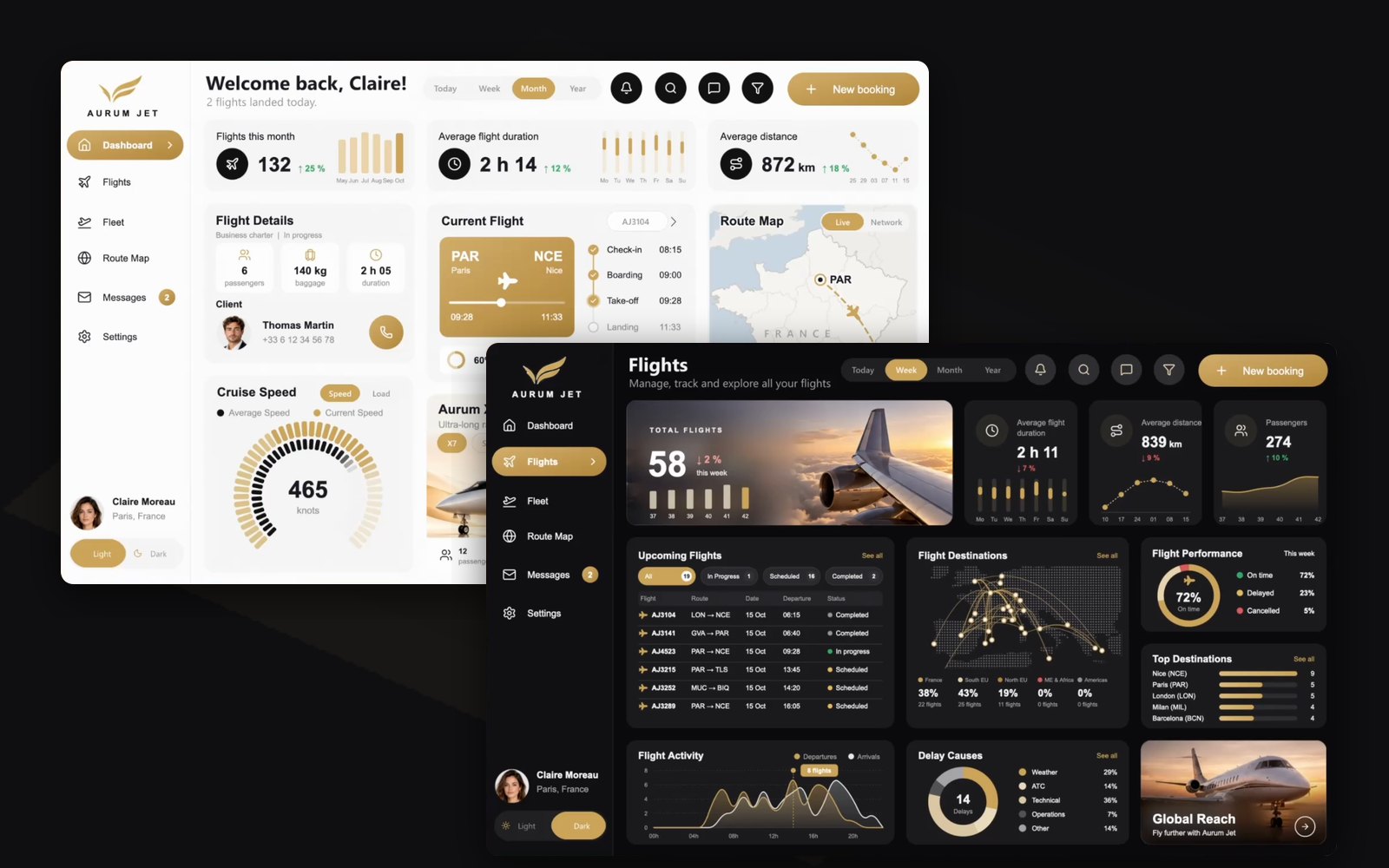
Aurum Jet is a free Power BI report for a fictional private jet operator, with animations, a Light and Dark switch and photos that follow the data, and not one custom visual. The series starts with the report itself, then explains one technique per article.
Open the Aurum Jet page5 articles
 Free reports19 October 202610 min read
Aurum Jet: a free Power BI report with no custom visuals
Download Aurum Jet, a free Power BI report built with an AI agent: Light and Dark mode, native SVG animations, photos that follow the data, zero custom visuals.SVG and DAX visualsAnimationPage design and theming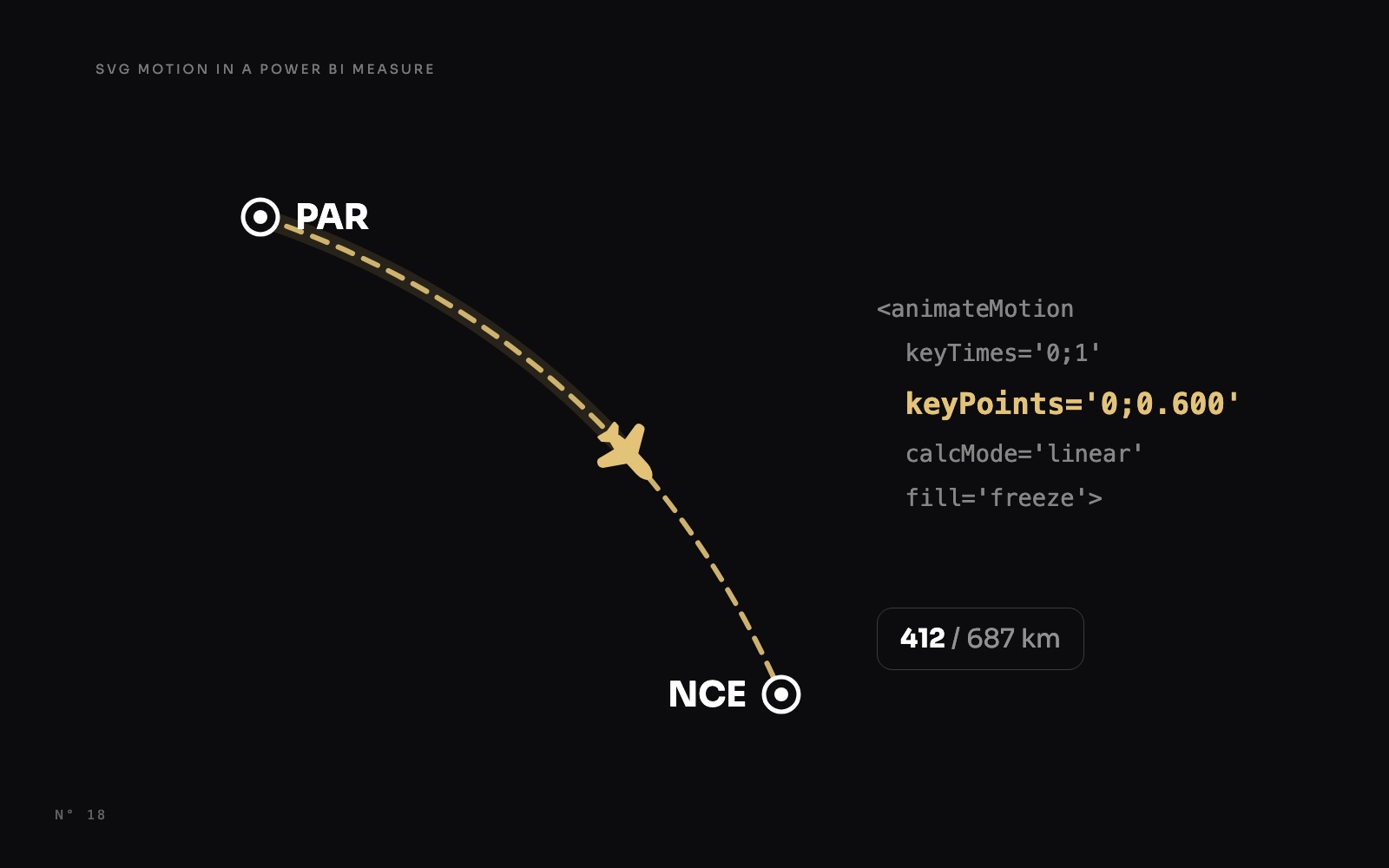 Design techniques24 October 20269 min read
The jet that stops where the flight is: SVG motion in a Power BI measure
Make a jet fly along its route and stop at the share of the flight already flown, with SVG animateMotion written by a DAX measure, in a native card.AnimationSVG and DAX visualsMaps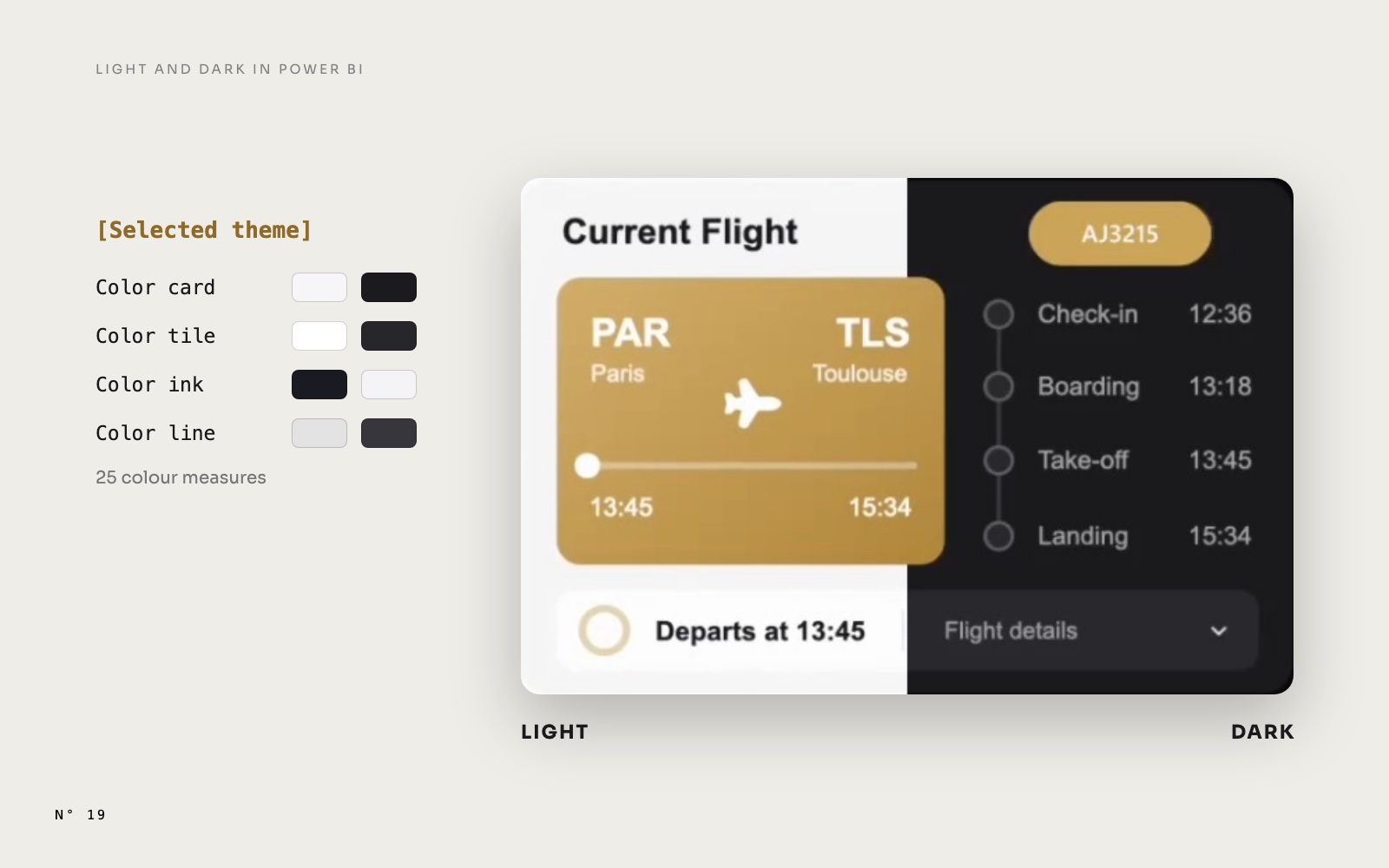 Design techniques24 October 202610 min read
Light and Dark mode in Power BI: what follows a measure, and what doesn't
A real Light and Dark switch with one slicer and colour measures, and the four things Power BI won't recolour from a measure, with the fix for each one.Page design and themingSlicers and navigation Design techniques24 October 202610 min read
A route map drawn by a DAX measure: arcs, airports and a map that frames itself
No map visual: one SVG measure projects airports, draws the period's routes as arcs weighted by traffic, labels the busiest without overlap and reframes itself.MapsSVG and DAX visuals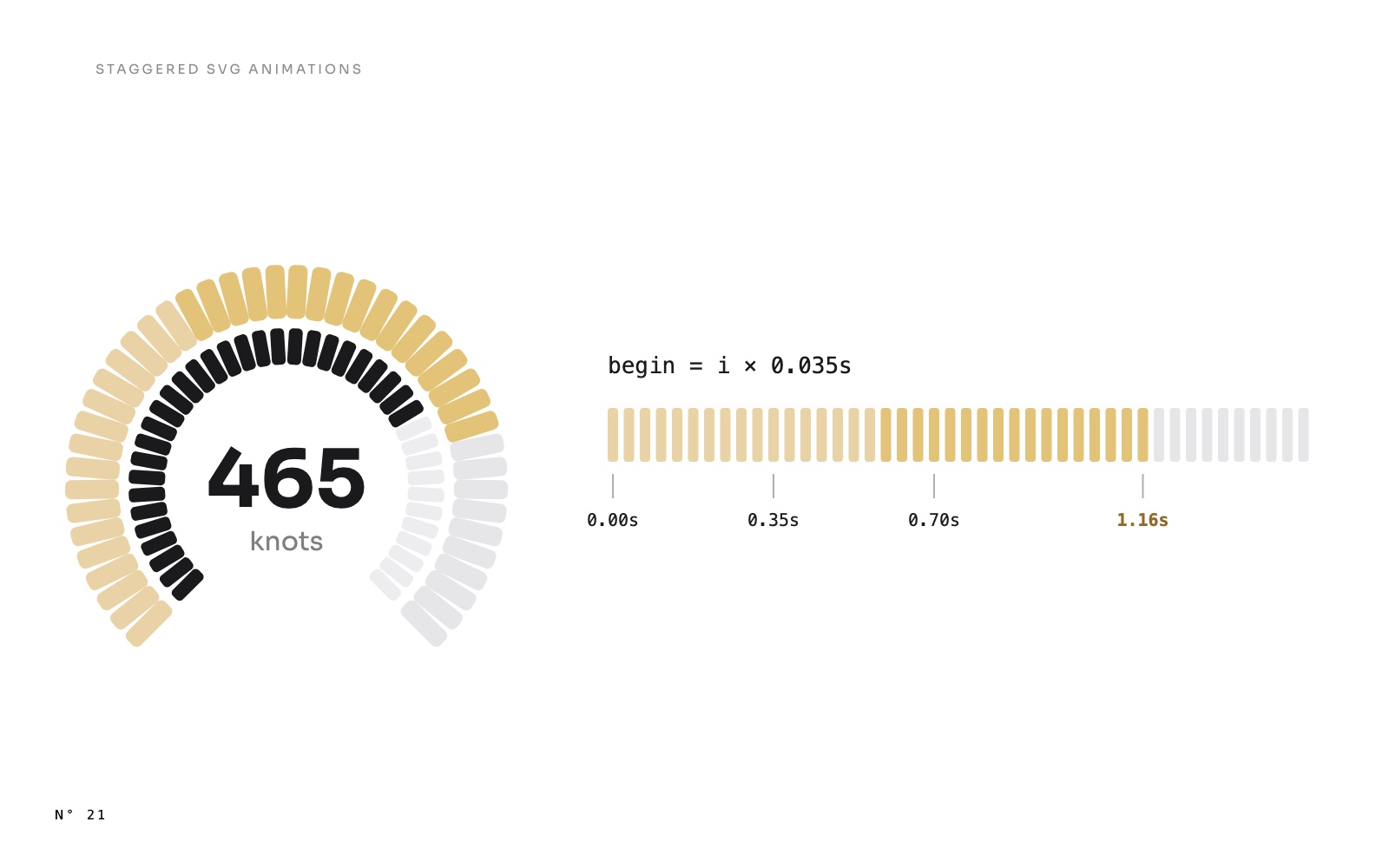 Design techniques24 October 20269 min read