

Topic
Power BI page design and theming
Most of the look of a report comes from the page, not the charts. These articles cover backgrounds drawn as one image under transparent visuals, the anatomy of a designed report, and a Light and Dark switch where every colour is a measure.
5 articles
 Design techniques24 October 202610 min read
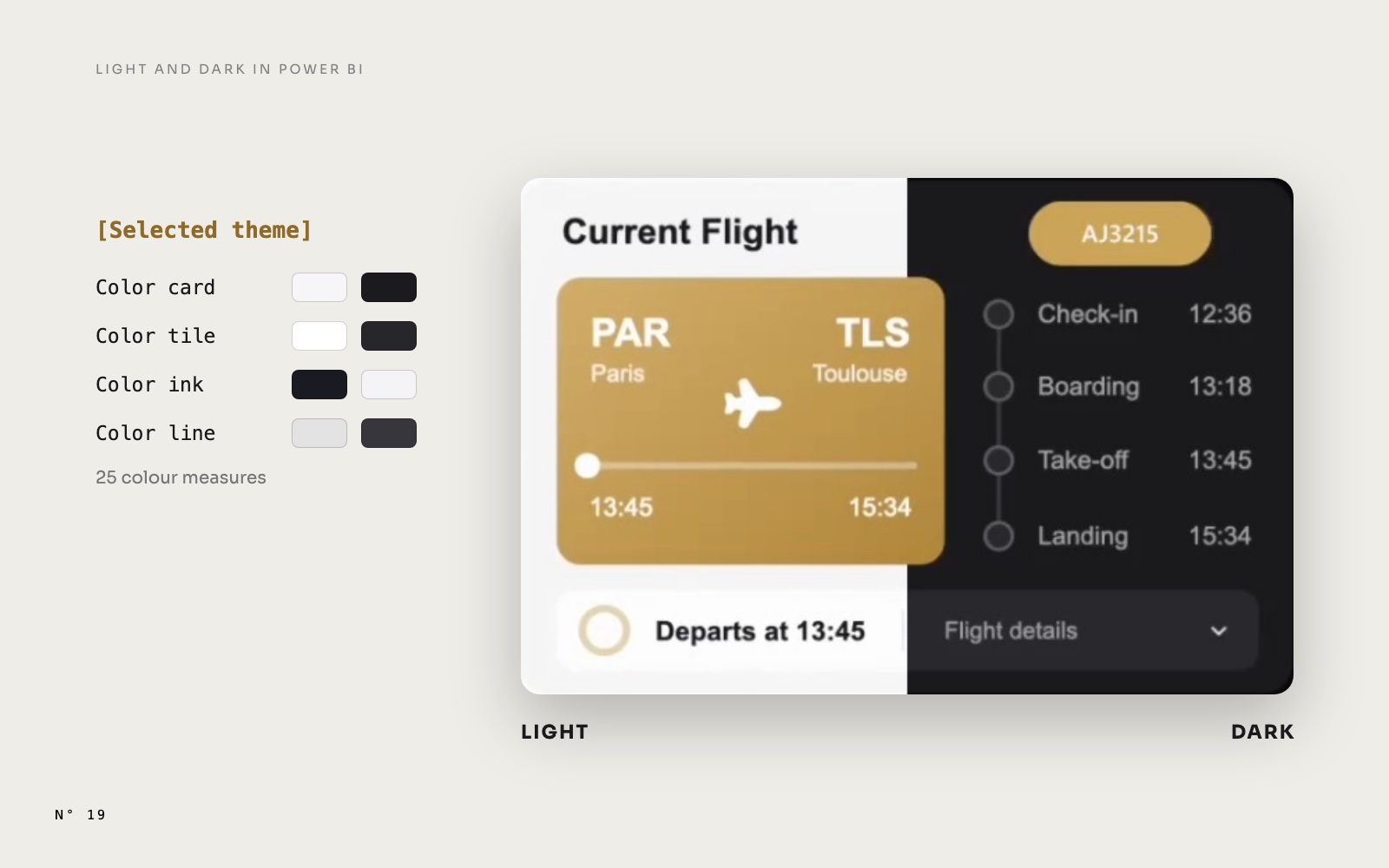
Light and Dark mode in Power BI: what follows a measure, and what doesn't
A real Light and Dark switch with one slicer and colour measures, and the four things Power BI won't recolour from a measure, with the fix for each one.Page design and themingSlicers and navigation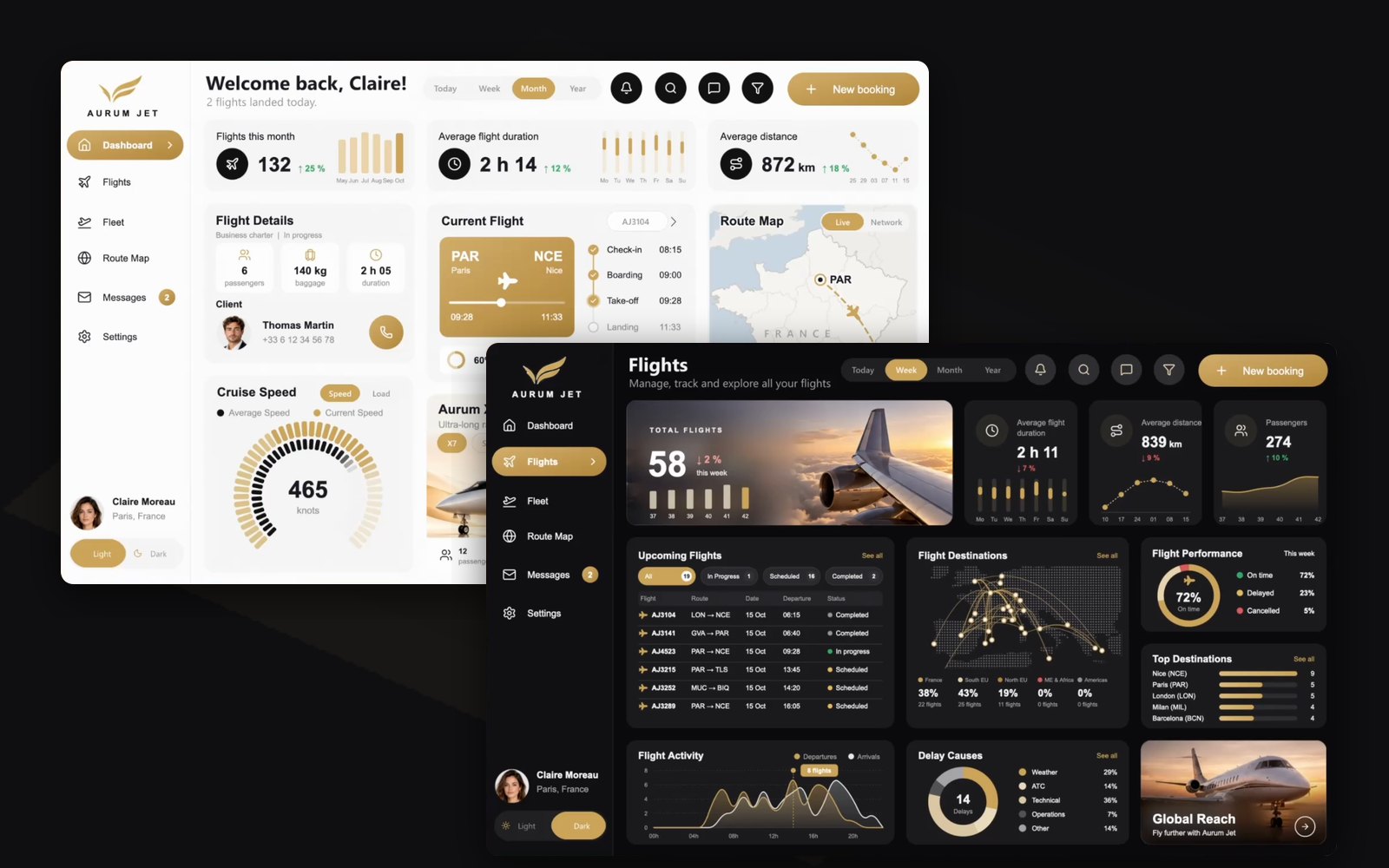 Free reports19 October 202610 min read
Aurum Jet: a free Power BI report with no custom visuals
Download Aurum Jet, a free Power BI report built with an AI agent: Light and Dark mode, native SVG animations, photos that follow the data, zero custom visuals.SVG and DAX visualsAnimationPage design and theming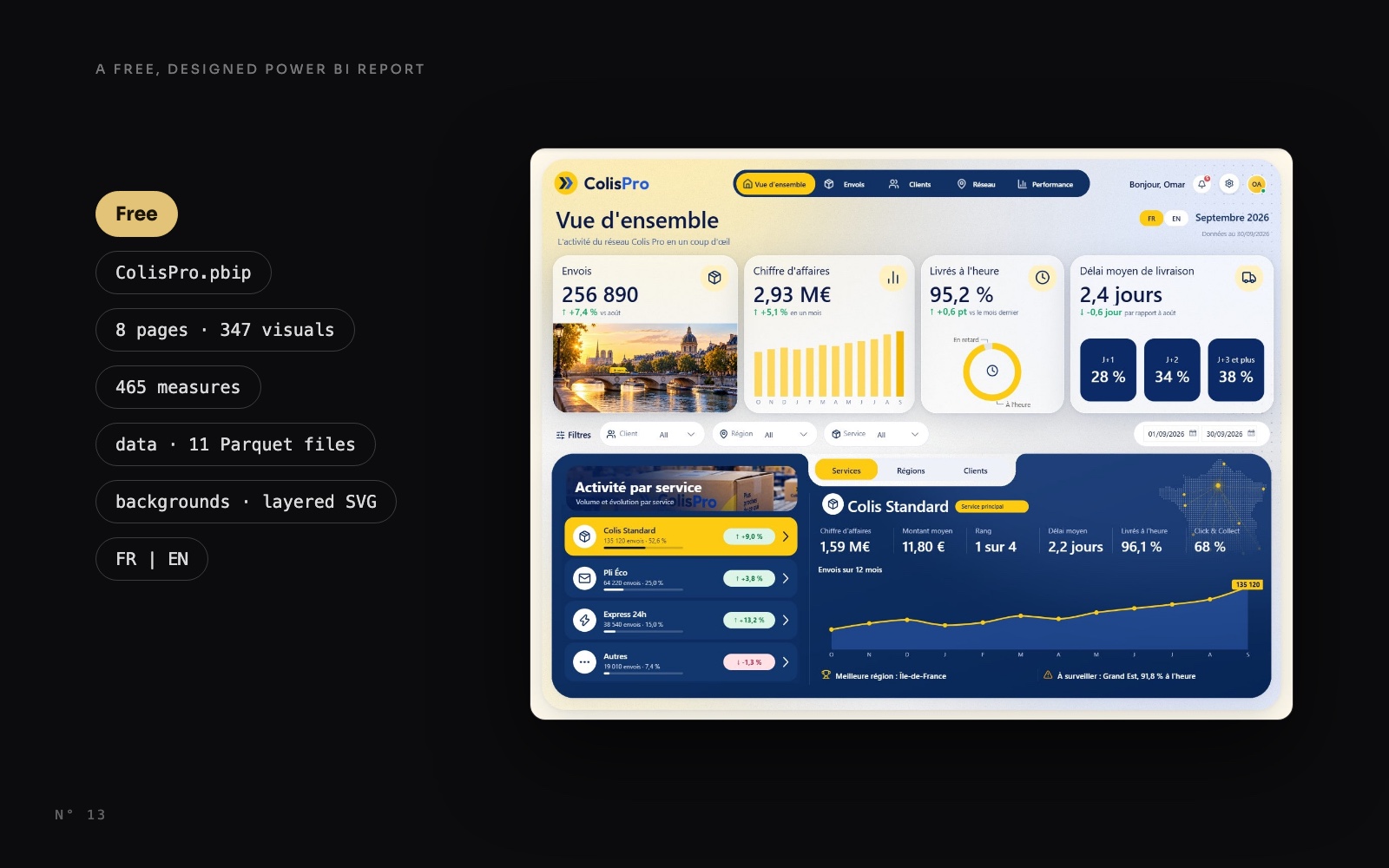 Free reports14 October 20268 min read
Colis Pro: a free designed Power BI report you can download
Download Colis Pro, a free designed Power BI report built with an AI agent: 5 pages, 2 panels, 347 visuals, French and English. What's inside, how to open it.Page design and themingPBIR, PBIP and TMDL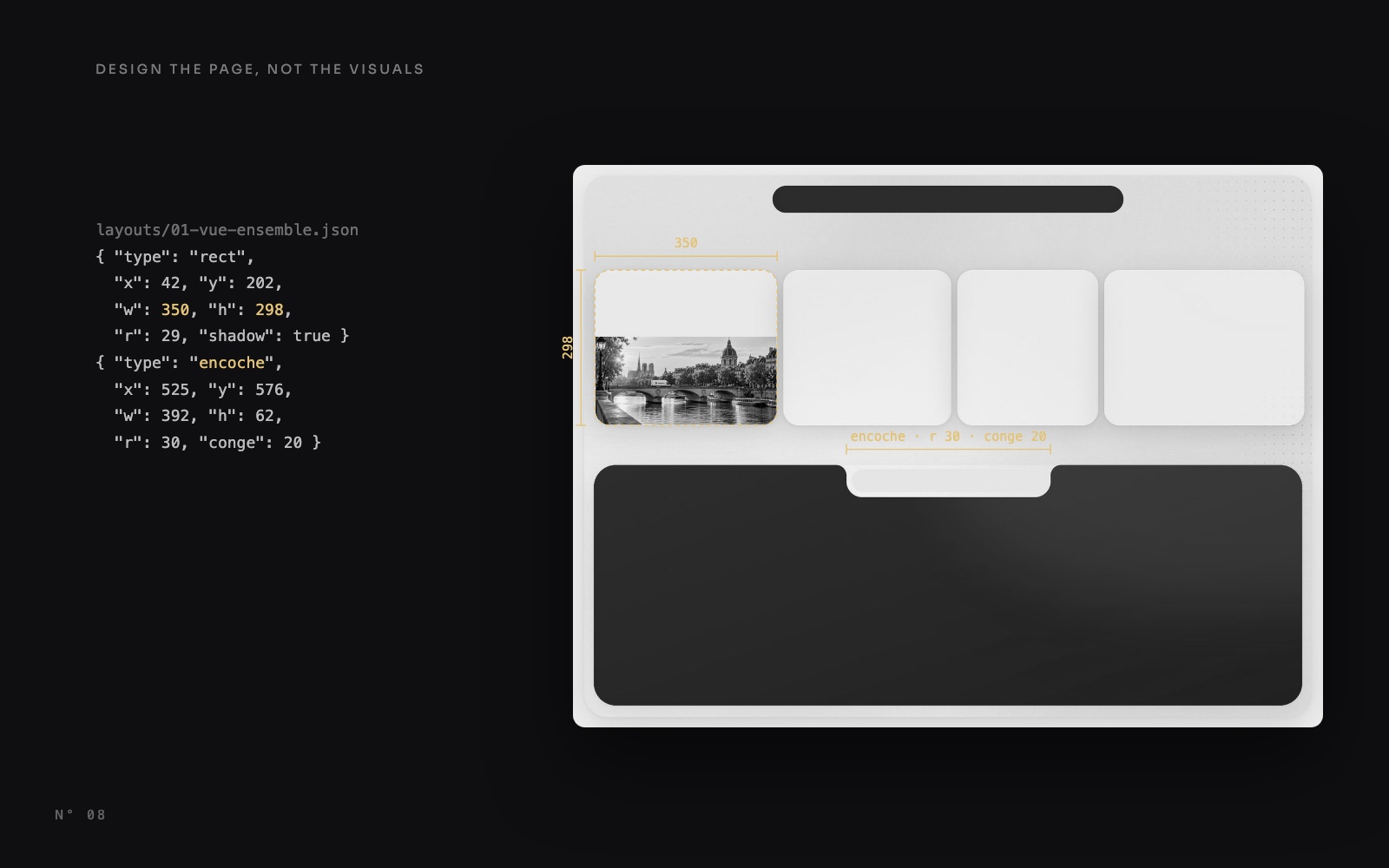 Design techniques14 October 20269 min read
Design the page, not the visuals: Power BI page backgrounds
Shadows, gradients, a notch and photos drawn into one 2x image under transparent visuals: how Colis Pro designs each Power BI page, with or without code.Page design and theming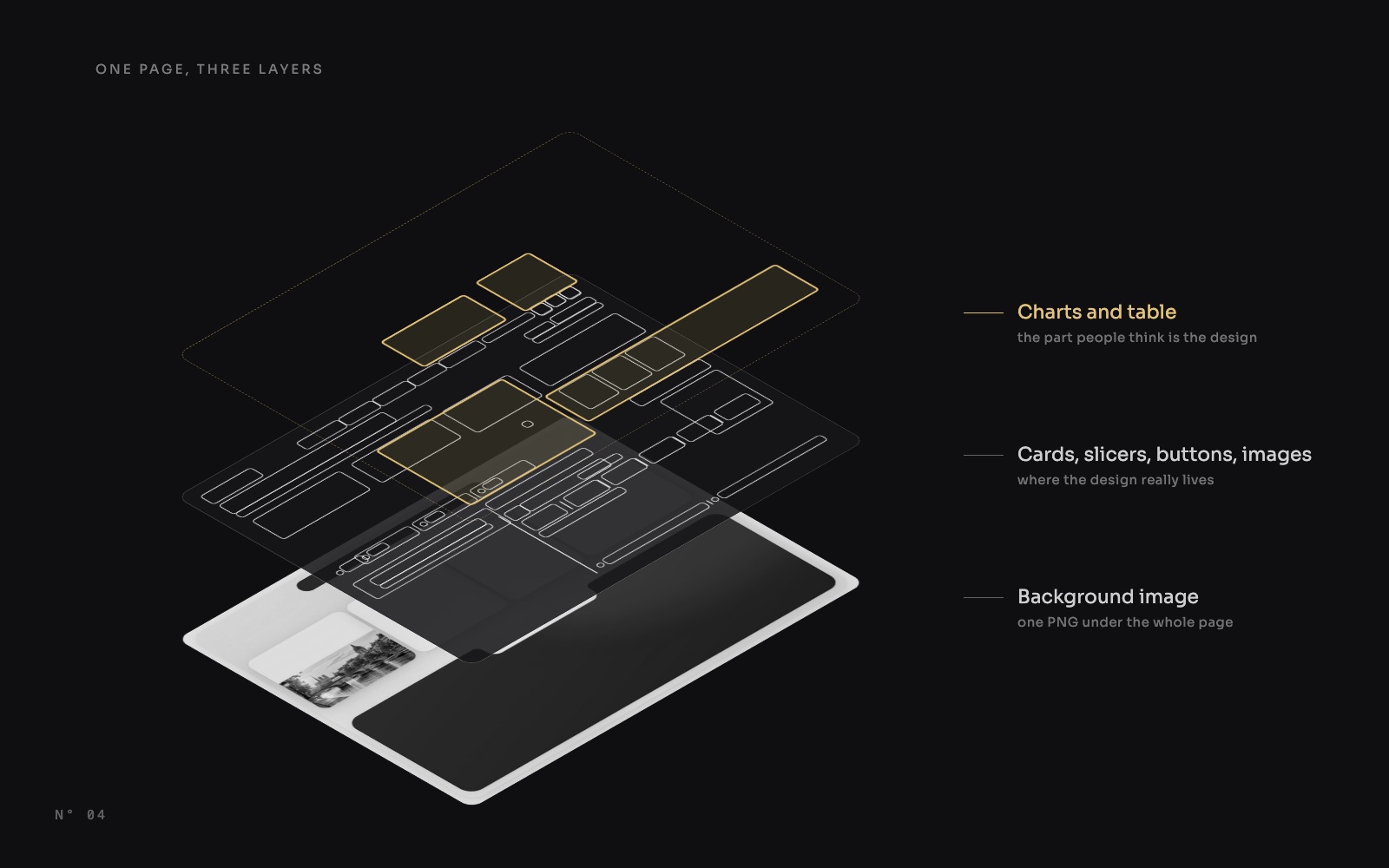 Design techniques14 October 20267 min read